Apps Like AirBending: MIDI Controller for iPhone and iPad
Control with hand gestures
Control 4 parameters per preset with intuitive hand mapping. Move horizontally for parameter adjustment and vertically for value changes. Save and recall presets for quick access during performances.
by Nanas Sound OU★ 0.00 ratingsMusic$8.99Data updated 2026-09-06
Create and manipulate sounds using additive synthesis. Choose up to four sound sources and apply predefined envelopes. Adjust macro parameters for precise control. Edit and morph sounds to build complex sequences or rhythms.
Practice with exercises on key signatures, intervals, and chords. Identify notes in treble and mezzo-soprano clefs. Train sight reading with varying difficulty levels. Learn about triads, sevenths, and extended chords.
Convert or bass input into polyphonic synth sounds in real time. Adjust waveform, filter, and modulation parameters. Save and recall presets. Connect to audio interfaces and DAWs for recording and live performance.
Play multiple instruments simultaneously using MIDI Polyphonic Expression. Access 8 layouts with multiple rows and octaves. Choose from 15+ scales. Use a powerful arpeggiator. Operate as a standalone device with multiple keyboards.
Is a AUv3 plugin for audio looping. It allows users to create and layer loops, adjust timing, and apply effects. Features include real-time playback control, loop quantization, and integration with host applications for music production.
Practice musical and chord recognition with interactive exercises. Track progress with saved statistics. Return to specific exercises for focused improvement.
Create and manipulate sounds using additive synthesis. Adjust tuning tables and modulation parameters. Use MPE for multi-touch control. Manage presets with a new preset manager. Adjust waveform shapes and filter settings.
Create and arrange musical sequences using multiple playheads. Manipulate melody speed, direction, and pitch. Apply Baroque and Serialism composition techniques. Export and share projects in audio format.
Create and edit MIDI sequences with sequencing. Randomize notes, velocity, octave, and gate length. Add ratchets and glide effects. Set individual randomization values for steps using parameter-locking. Adjust and refine sequences step by step.
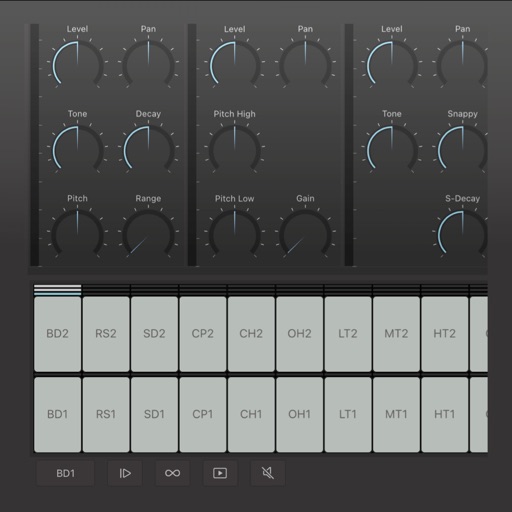
Create and edit drum patterns using 27 drum voices. Apply effects like delay, chorus, and reverb. Automate parameters and sequence 16-bar patterns. Save and load project files for later editing.