Apps Like AR Drawing - Trace Drawing for iPhone and iPad
Images, draw digitally, create art
Create digital art using augmented reality features. images from uploaded files or projected visuals for precise sketching. Draw directly on paper with built-in tracing tools. Export artwork in multiple formats and share drawings.
by Thanh Nguyen Duy★ 4.578 ratingsGraphics & DesignFreeData updated 2026-09-06
Create digital art with drawing and painting tools. Use a wide range of brushes and customize settings for precise control. Add motion with animation tools and motion paths. Utilize symmetry guides for balanced designs.
Use augmented reality to draw on any surface. Create sketches with AI-assisted tools. Select and customize NFT images from your phone gallery. Export drawings in various formats. Share artwork directly from the .
Create and color images using tools and templates. Draw lines and shapes to modify pictures. Save and share completed artwork. Includes pages for coloring and creative activities.
Create expressive sketches, rich paintings, and detailed illustrations. Use hundreds of handmade brushes and an advanced layer system. Animate with the Valkyrie graphics engine. Edit and export artwork in multiple formats.
Use the to project real-time grids and guidelines for precise . Adjust grid size, opacity, and angle. Import sketches or paintings for reference. Save and export artwork in various formats. Sync drawings across devices.
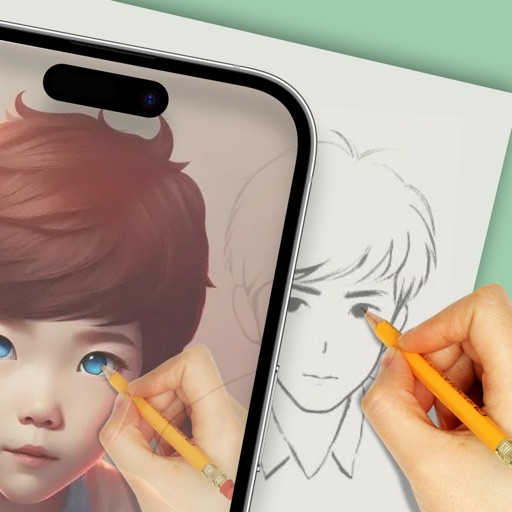
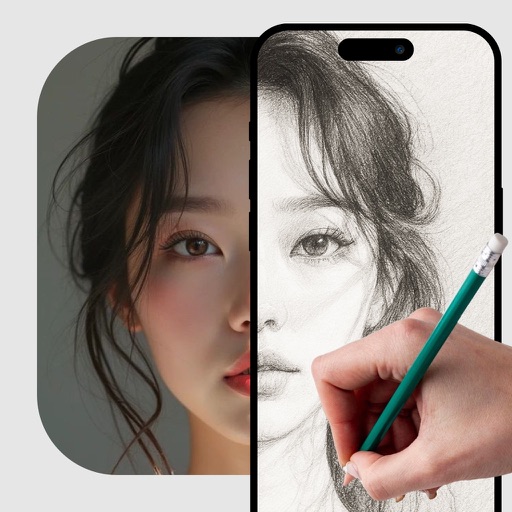
Use camera to project image outlines onto paper for tracing. Choose images from gallery or collection. Follow lines to practice sketching. Suitable for beginners, artists, and students. Improve hand-eye coordination.
Create and edit drawings with brush, blur, eraser, fill, pen, pixels, procedural, select, smudge, text, and vector tools. Work with hundreds of layers. Participate in daily drawing challenges, competitions, and collaborative co-ops.
Allows users to using step-by-step tracing lessons. Features include color selection, layer management, and brush customization. Users can save and share artwork. The provides guided tutorials for improving drawing skills.
Draw and with customizable brushes and layers. Edit images with adjustment tools and filters. Import and export files in various formats. Use gesture controls for quick navigation and editing.
On photos or backgrounds with customizable stencils for shapes and patterns. Use over 1400 stamps to decorate artwork. Apply smudge tool for textured effects without touching the screen. Save and share completed drawings directly.
To with guided lessons that show real strokes from professional artists. Practice step-by-step techniques to build confidence and accuracy. Use Apple Pencil for precise input and track progress through interactive exercises.
Create and share digital art with coloring pages, art games, and tracing tools. Design in 3D and display creations in a personal digital museum. Collaborate on drawings with friends and family.