Play using a USB MIDI keyboard with 25 or 37 keys. Connect to iPad for full functionality. Access tutorials for setup and use. Select instruments and adjust settings. Export audio recordings. Control volume and effects. Sync with other music apps.
Allows users to audition and edit files. Modify control messages, transpose music, adjust tempo, and mute channels. Sync lyrics with audio. Create and manage playlists. Includes built-in sound library with DLS/S support. Save edited files to disk.
The app allows users to create and edit ProTracker music modules. It supports sample export to Korg devices and file system access for the Commodore 64 Ultimate.
Create and mix music using modular devices like samplers, mixers, and effects. Add sequencers and effects plugins. Customize setups with expandable gear. Import and export audio files. Connect to external hardware and software.
The app provides access to MIDI features and audio settings for connected iConnectivity MIDI interfaces. Users can save and open routing and processing Snapshot files, name inputs, route MIDI selectively, and process MIDI.
Play virtual with MIDI controllers or keyboards. Adjust articulation, dynamics, and breath effects. Use Room Simulator "Ambiente" for spatial audio. Load and save presets. Export audio in multiple formats.
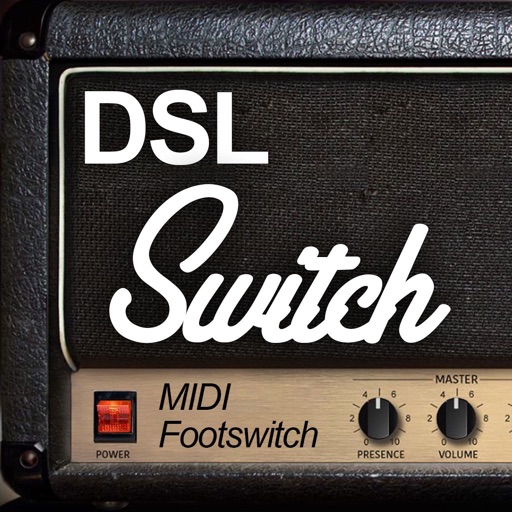
Control amp channels, toggle FX loop, and adjust master volume via . Connect iPhone or iPad with Din cable to amp input. Enable output to send control signals. Use Apple Watch for hands-free guitar control.