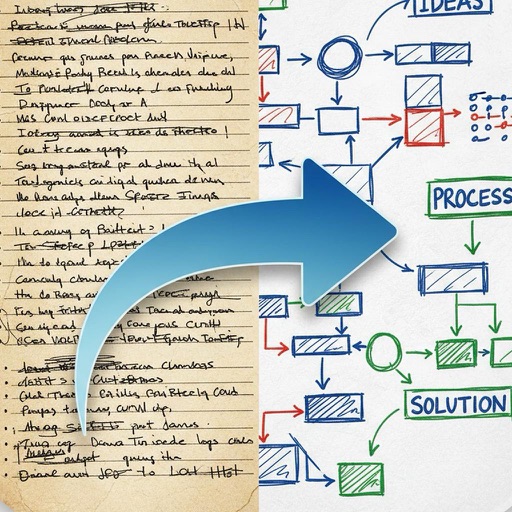
Scan documents and convert them into organized digital files. Capture multi-page contracts or receipts with AI-powered enhancement. Edit text, add notes, and share files directly. Organize scans into folders and search by content.
Create and study custom diagrams. Import images or use the camera to capture diagrams. Conceal terms by drawing over them and tap to reveal. Zoom and pan for detailed viewing. Sync across iPhone, iPad, and Mac.
Scan problems using the camera for instant solutions. Receive detailed step-by-step explanations. Practice with interactive exercises. Track progress over time. Share solved problems with others.
View cutting diagrams, parts lists, and bill of materials from your computer. Check boxes to track completed cuts, purchased materials, and finished parts. Only allows viewing of files created on the device.
Create professional presentations with ready-made slides, templates, diagrams, charts, infographics, themes, icons, and graphics. Edit and customize slides, add visuals, and apply design elements directly within .
Read and annotate PDFs with text highlighting and comment features. Convert documents to editable formats. Scan and digitize paper files, receipts, and notes using AI. Edit text, add signatures, and fill out forms.
The app syncs handwritten notes, sketches, and diagrams from a Livescribe 3 or Aegir smartpen to an iPhone or iPad. Users can organize, tag, and convert notes to text for tasks, reminders, and events.
Plan daily tasks and set goals with a clean, customizable journal interface. Sync with Apple Calendar and iCloud. Use handwriting search, background removal, stickers, and instant frames for notes. Secure with Face/Touch ID.
Calculate optimal cutting layouts for materials like lumber, sheet metal, and fabric. Input stock dimensions and required piece sizes for efficient cutting. Save and manage multiple projects.
AO allows viewing, editing, importing, and exporting PDF, Word, Excel, and PowerPoint files. It includes Writer for document creation and editing, Calc for spreadsheet calculations, and supports full OpenOffice features.
Learn about networks through interactive tutorials and visualizations. Explore simplified datasets and see behavior in real time. Complete mission-based challenges to understand concepts like training, activation, and optimization.
Study materials can be imported from DOC, DOCX, PDF, and other formats. Users can add subjects, input manually or through document imports. Text and graphic content such as photos, diagrams, and formulas can be included.