Apps Like Erase objects - AI Eraser for iPhone and iPad
Remove with a tap
Remove unwanted , people, text, or distractions from photos. Use AI to automatically elements with a tap. Edit images by selecting areas to delete and refine the result. Save and share the cleaned-up photo directly.
by AI PHOTO JOURNEY, SRL★ 4.334 ratingsPhoto & VideoFreeData updated 2026-09-06
Write notes by hand with a simple interface. Tap to access color selection and storage. Use multiple fingers for smooth writing. Choose from five colors: black, red, blue, green, and pink. Adjust line thickness with a slider.
The app offers on-device photo editing with AI features like background removal and auto-enhancement. It includes over 38 filters, stickers, text editing, and export options for HEIC, JPEG, or PNG formats.
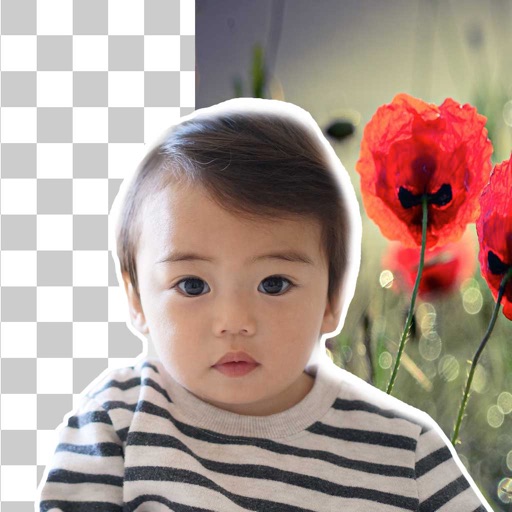
Remove backgrounds from photos using brush tools with adjustable size and hardness. Erase selected areas with undo and redo options. Add text with customizable font and formatting. Place edited photos on various templates.
Remove unwanted objects from photos using AI-powered erasing. Edit images with advanced tools for color correction and detail enhancement. Crop, adjust brightness, and apply filters. Share edited photos directly to social media or messaging apps.
Edit photos with AI-powered tools for object removal and background erasing. Adjust exposure, contrast, and color. Expand frames and try generative edits. Export in various formats and share directly.
Edit photos with AI filters, cartoon styles, and restoration tools. Enhance image details and convert blurry or damaged photos to HD. Apply over 200 AI templates to generate creative photos. Upload selfies to try different styles.
Helps manage iPhone storage by identifying and organizing similar photos. Users can group duplicates, view recommended shots, and merge duplicates to free up space.
Remove unwanted objects or people from photos and videos by painting them and tapping "erase." Edit images to eliminate pimples or blemishes. Save and share edited content directly.
Edit photos with AI-powered restoration for faded, damaged, or blurry images. Enhance photos to professional quality with automated adjustments. Remove unwanted objects and reimagine compositions using advanced tools.
Edit photos with AI-powered enhancement, colorization, and object removal. Adjust lighting, sharpen details, and correct imions. Apply filters and restore old photos. Export edited images in various formats.