Apps Like WeDraw: Trace & Create for iPhone and iPad
Real-world images and art
Use AR to and sketch real-world images overlaid on your environment. Draw directly on reference images for practice or creativity. Share drawings digitally. Sync with other devices for collaborative projects. Export sketches in various formats.
by Ali An Nuur★ 0.00 ratingsGraphics & DesignFreeData updated 2026-09-06
Draw and paint images using customizable color pencils, pastels, and brushes. Choose colors freely and adjust settings for precise control. Save artwork to camera roll and share via Facebook or Twitter.
Draw and with customizable brushes and layers. Edit images with adjustment tools and filters. Import and export files in various formats. Use gesture controls for quick navigation and editing.
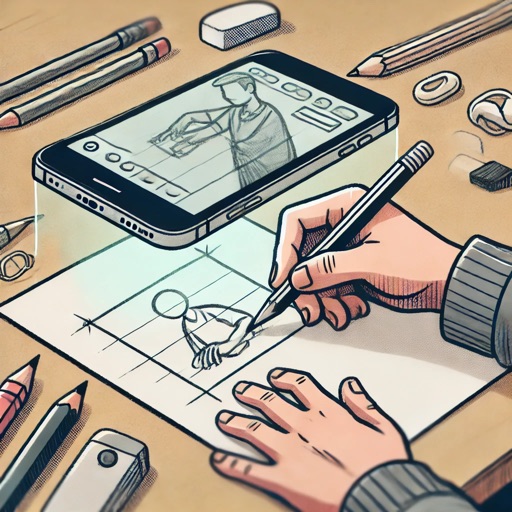
Create and project drawings in real time using augmented reality. Trace and sketch on surfaces with your device. Adjust colors and brush sizes. Save and share drawings. Sync with other devices for collaborative projects.
With AR to images or text on real surfaces. Use guided frames for beginners. Create sketches and color them. Export artwork in various formats. Sync projects across devices.
Use phone camera to project anime-style templates onto paper or surfaces. Trace outlines to create art. Adjust lines and colors. Export drawings in various formats. Sync with digital tools for further editing.
Use AR to project images onto real-world surfaces and them for drawing. Create original artwork with real-time feedback. Adjust colors, lines, and layers within the . Save and share drawings directly.
Trace images to create sketches or drawings. Adjust line thickness and brush styles. Use an eraser tool. Apply filters to images. Select from gallery or take new photos. Draw on paper with phone held 1 foot above.
AR : Project sketches onto real-world surfaces for accurate proportions. Use stand mode for stable, low-latency . Convert paper sketches into digital art with precise tracing and editing tools. Save and export artwork in multiple formats.
Learn to with guided lessons, text, voice, and video instructions. Access 1000+ tutorials across all skill levels. Follow personalized learning paths. Use Apple Pencil for . Track progress with structured lessons.
Learn to draw with step-by-step tutorials covering animals, cartoons, and flowers. Practice by tracing images or sketching freely. Save and share completed artwork.
Use AR to draw on real surfaces by outlines. Share drawings with others. Learn techniques through interactive lessons. Practice new skills in a realistic environment. Export artwork in various formats.