Play audio and sound effects simultaneously. Start a show with a single tap. Supports iPad, iPhone, and iPod touch. Free to create one show; unlock unlimited shows with an in- purchase.
The app offers 60 vocal exercises tailored to a user's voice type. It generates unique warm-ups based on available time or allows custom playlists for singers.
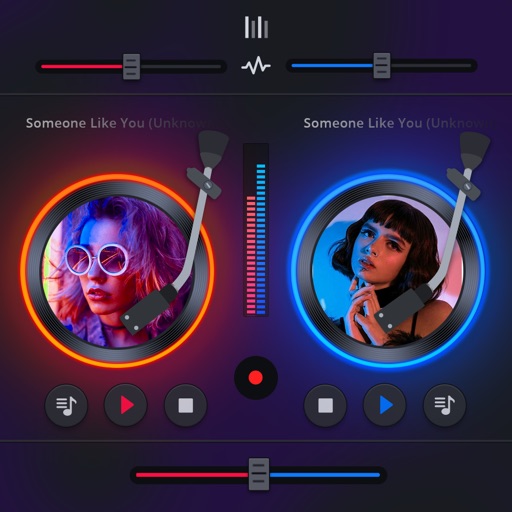
Manage playback with a 3D DJ interface featuring turntables and a 3-band EQ . Access a library to organize files and create custom mixes. Adjust volume and effects in real time during playback. Sync with external devices for live mixing.
Adjust audio pitch with precise control over key and scale. Change playback independently or together with pitch. Apply effects like reverb and delay. Transpose to different keys. Export modified audio in multiple formats.
Access co-working spaces tailored for music professionals. Book recording studios, use soundproof rehearsal rooms, and utilize creative lounges. Attend workshops and seminars. Network with industry leaders.
Practice swing timing with audio cues customized to your swing ratio. Choose from preset Long, Short, or create a custom mode. Track progress and refine technique to improve consistency and performance.
Connect with Taylor fans globally. Share content, join discussions, and discover local events. Support Swiftie-run businesses and participate in fan-driven activities. View and post updates about Taylor music and career.
The app allows users to run shows with complex sound cues from a device. It offers features like playing multiple cues, crossfading, and network control via OSC.
The app allows users to hear how different microphones affect instrument and vocal sound. Users can compare microphones from the evolution 600/800, evolution 900, and MK4 series.
The app provides an optimized audio player for live events, supporting playback control for musicals. Users can add CUE points to jump to specific positions within tracks and utilize various play and repeat modes.