Edit photos using a variety of and filters. Apply adjustments for color, contrast, and brightness. Save favorite in a dedicated folder. Access detailed instructions for beginners. Organize into categories for different shooting conditions.
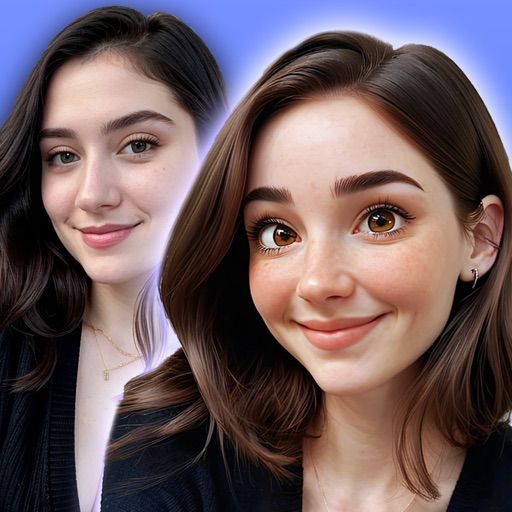
Convert photos into or anime-style images with AI-powered tools. Apply comic filters, adjust colors, and add artistic effects. and share transformed images directly.
Remove backgrounds from images using AI technology. Edit and generate new backgrounds. Create transparent images for social media, e-commerce, and design projects. Tap to remove backgrounds automatically.
Create collages by combining up to 50 photos, including Live Photos, with simple taps. Choose from grid, seamless, waterfall, and Live layouts. Adjust borders, spacing, and ratios for customization. Export and share finished collages directly.
Enhance images with AI-powered upscaling. Fix blurry photos by sharpening and clarifying them. Restore old and faded images using AI restoration. Increase resolution for clearer details. Adjust brightness, contrast, and color balance.
Transform photos into -style artwork using AI. Select an image from the camera roll. Apply filters via AI processing. Save the result and share it directly.
Capture effects and styles to enhance photos. Apply adjustable sensitivity for color and intensity control. Access additional modes like Cyberpunk and Matrix for creative effects. Export edited images in various formats.