Take photos with single-tap effects and professionally designed filters. Adjust brightness and contrast. Apply blur and focus. Rotate and crop images. Export edited photos in various formats.
Edit photos with single-tap effects and professional filters. Adjust brightness and contrast. Apply blur and focus tools. Enhance portraits with specialized filters. Export edited images in various formats.
Edit photos by applying and effects. Select images from the gallery or camera. Adjust frame position, size, and angle. Choose from multiple stylish frame options and effects.
Resize photos with batch processing for multiple files at once. Use smart crop tools with customizable aspect ratios. images to reduce file size without quality loss. Rotate and flip photos for correct orientation.
Resize images with precise control over dimensions and quality. Adjust DPI for print or digital use. Batch process multiple files at once. Rotate images for correct orientation or creative angles. Export in various formats.
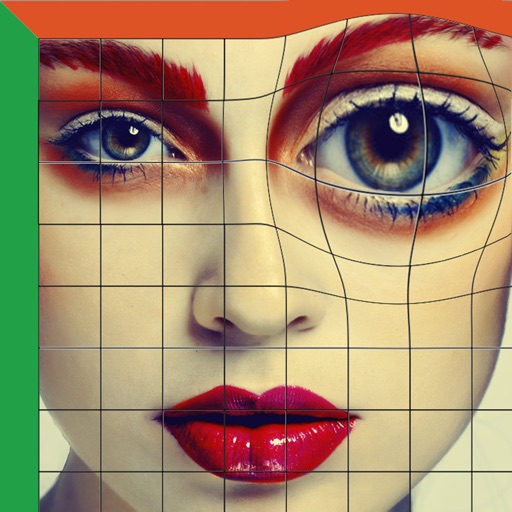
Allows users to straighten and deskew images by aligning source quadrilaterals. It supports adjusting double quads for precise control. Users can distort, rotate, or tilt horizons in images.
Create pixel art with automatic double pixel removal for precise line art. Use round, square, and matrix dither brushes. Draw lines locked to isometric angles. Create rectangles and ellipses. Manage layers for animated projects.
Swipe to rotate images and adjust angles to solve puzzles. Choose from various low and art styles. Unlock free packs to expand content. Share completed puzzles with friends.