Wallpaper+ allows users to set and customize high-definition wallpapers. It offers a variety of -themed images across different styles. Users can browse and select wallpapers for their device screens.
Customize Apple with a wide selection of designs. Choose from sports and health-focused dials or create your own. Import and edit images to make unique . Share custom designs with others.
Download and apply high-quality , Club, and anime-style wallpapers to home or lock screen. Filter by aesthetic, pastel, dark mode, or chibi characters. Edit wallpapers with built-in tools. Receive daily new additions.
Customize iPhone or iPad home screens with -Fi and Space-themed wallpapers. Add widgets for background images. Choose from 250+ widget backgrounds or upload personal images.
Customize iOS 16 themes with one-click installation. Select and apply instantly without manual setup. Install themes, wallpapers, and in seconds. Access professionally designed visuals for a unified look. Sync theme changes across devices.
Customize home screens with icons, backgrounds, and widgets. Access over 800 unique icons from themed packs like Christmas, Neon, and Retro. Receive weekly updates and enjoy ad-free design.
Download wallpapers and customize your mobile background
Set home or lock screen wallpapers from a selection of high-quality images. Choose from over 500 options, which will expand over time. Save preferred wallpapers and apply them to your device.
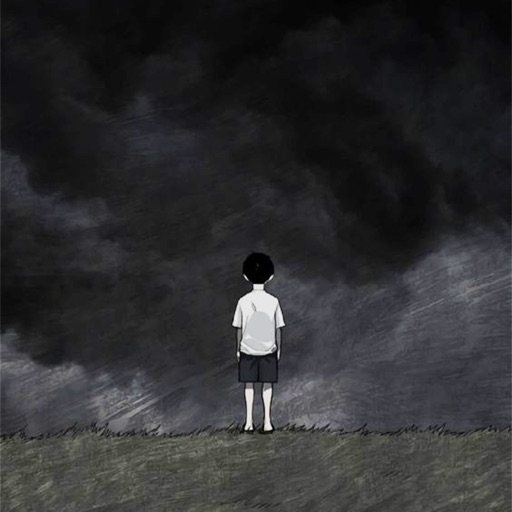
Customize phone with images of sad characters. Select and set images as with one-click save. Access high-quality pictures without hidden conditions. No memory usage restrictions. Apply and download wallpapers directly.
Create and Instagram carousels with customizable templates and drag-and-drop editing. Add text, stickers, and filters. Export and share directly to social media. Adjust layout for seamless swipe-through viewing.
Create personalized wallpapers with floral letter designs. Type names to generate -based text. Customize colors and styles for messages. Export and share designs directly.
Customize iPhone home and lock screens with 4K HD . Choose from Dynamic Island themes, iOS 18 designs, dark mode, and AMOLED styles. Access daily updated backgrounds and abstract art. Apply to both screens and adjust settings for optimal display.
HD Wallpapers lets users browse and set high-resolution images as device backgrounds. Categories include nature, abstract art, and more. Users can customize their home screen with curated visuals. Wallpapers can be applied directly from the .