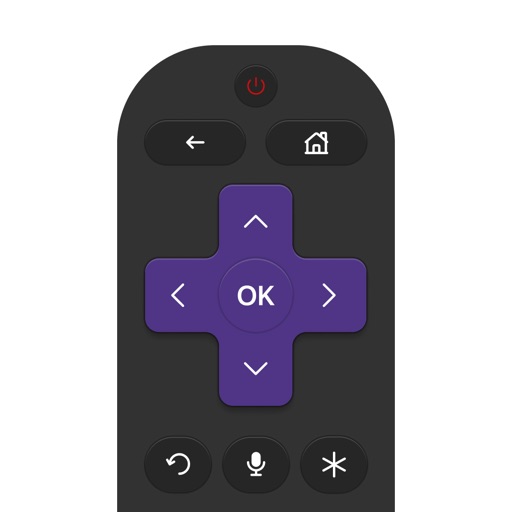
TV functions remotely from an iPhone. Open apps and channels quickly. Adjust volume and brightness. Navigate menus and access settings. Duplicate traditional remote features for easy management.
Control smart TVs with phone-based functions. Adjust volume, change channels, and navigate menus. Support multiple TV brands including Samsung, LG, Sony, and Roku. Enable screen mirroring and casting. Lock and unlock TV features remotely.
Phone screen to TV or streaming device for instant casting. photos, videos, and stream movies, TV shows, and series. Play games, share presentations, and conduct video calls on the big screen.
Cast photos and videos from a smartphone to a TV via . Share personal media, stream web videos, and access IPTV content. Mirror content without requiring AirPlay.
Control TV functions including volume adjustment, channel switching, and streaming service access. Launch channels directly. Connect via Wi-Fi without manual setup.
Multiple audio and video devices including TVs, Blu-Ray players, and streaming devices. Adjust volume across all connected devices. Access a comprehensive code library for various brands. Follow an online setup guide for easy configuration.
Control Apple TV with on-screen buttons, volume, and playback functions. Navigate menus and apps using a virtual remote. Pair via Wi-Fi or Bluetooth for wireless operation.
Your TV remotely by connecting to the same Wi-Fi network. Scan your network to locate the TV. Browse channels, cast photos and videos, and stream music. Access multiple remotes from one device. Search for and cast favorite music.
Control TV or Cube with a smartphone or tablet. Navigate menus, play/pause content, and adjust volume. Access voice search and shortcut buttons. Manage playback and use gesture controls for enhanced streaming.
Mirror iPhone or iPad to a Smart TV for movie watching, photo viewing, or gaming. HD video wirelessly without extra hardware. Share content directly to TV Smart Player. Protect eyes by using a larger display.
Control Samsung TV, Roku, or Fire TV from iPhone, iPad, or iPod touch. Adjust volume, change channels, and navigate menus remotely. Support includes specific models from 2010-2013, 2016-2023, and various Tizen, Roku, and Fire TV devices.
Control LG WebOS and Netcast TVs with a . Use touch, navigation, and number pads for input. Adjust volume and mute. Navigate with back, exit, and OK buttons. Support full voice control and physical button emulation.