Take photos using both front and rear cameras. Adjust focus, exposure, and white balance. Capture videos with manual controls. Edit images with basic tools. Save and share photos directly.
by Takahashi Kanna★ 0.00 ratingsPhoto & VideoFreeData updated 2026-09-06
Take photos and videos using built-in webcams or connected iPhones. Adjust settings like resolution and frame rate. Edit images with cropping, filters, and brightness controls. Record videos with custom duration and quality options.
Create realistic images using uploaded photos of parents. Generate facial features based on genetic traits. Preview and adjust appearance. Save and share generated images.
Edit photos and videos with intuitive tools. Apply filters, adjust brightness and contrast. Add text, stickers, and music. Share directly to Instagram, Facebook, YouTube, and other platforms. Manage multiple accounts in one .
Capture photos and videos in format. Apply emoji face mask filters and generate genmoji, sticker, and memoji filters. Use AR glasses filters and duck mode. Adjust brightness in real-time. Edit photos by selecting colorspace, CMYK, and RGB channels.
Create , ID, and visa photos with AI-powered tools. Adjust size, background, and lighting. Save in required formats. Automatically meet international specifications. Share directly or print.
Remove unwanted objects or people from photos and videos by painting them and tapping "erase." Edit images to eliminate pimples or blemishes. Save and share edited content directly.
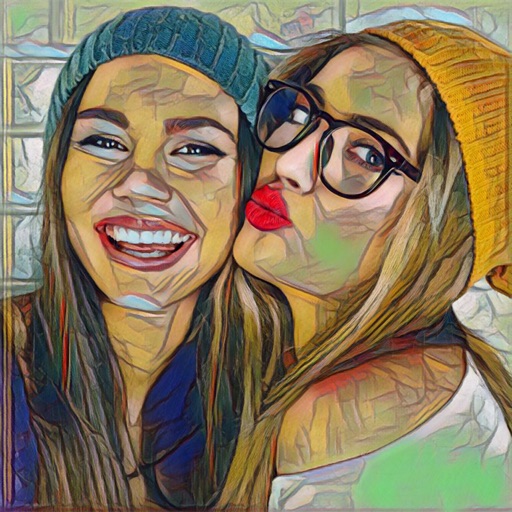
Edit photos with 30+ art and cartoon . Apply hipster-style to images. Save and share edited photos directly. Adjust brightness, contrast, and saturation. Export in standard image formats.
The app automatically corrects color balance and exposure with the option to fine-tune adjustments. It allows users to convert images to black and white or sepia tones and supports Wide Gamut displays.
Capture photos with embedded GPS coordinates, date, and time stamps. View map overlays and location details directly in images. Share geotagged photos with precise timestamps and location data.
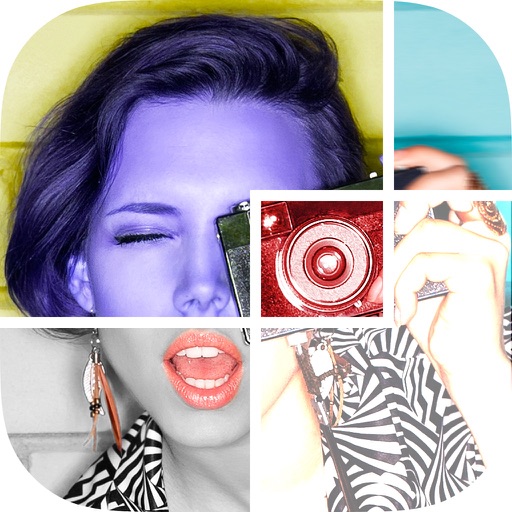
Create collages using 30+ templates including grids and squares. Add photos from camera or library. Capture live camera images directly. Save and share images. Customize border colors.
Edit photos with , , and collage tools. Create and custom layouts. Adjust brightness, contrast, and saturation. Add text and stickers. Export and share edited images.
Add borders to photos or videos using customizable templates or emoji . Apply trendy to images and videos. Edit and share content directly to social media platforms.
Capture real-world locations using iPhone or iPad. Upload images from drones, DSLRs, or other cameras via web. Convert images into high-quality 3D Gaussian splats automatically.
Edit photos using a variety of masks and effects. Choose images from the device gallery. Apply filters and creative tools. Save and share edited photos to WhatsApp, Facebook Messenger, and Instagram.
Capture selfies with simulated light for balanced, flattering illumination. Adjust real-time effect before shooting. Highlight face with soft, even lighting. Share edited photos directly.
Edit photos with , , and collage tools. Create montages and custom collages. Adjust brightness, contrast, and saturation. Add text and stickers. Share edited images directly.