Take photos using both front and rear cameras. Adjust focus, exposure, and white balance. Capture videos with manual controls. Edit images with basic tools. Save and share photos directly.
by Takahashi Kanna★ 0.00 ratingsPhoto & VideoFreeData updated 2026-09-06
Edit photos with filters, retro color grading, and AI-generated 90s-style portraits. Adjust lighting, contrast, and effects. Generate photos in different scenarios. Share edited images directly.
Grisoft Yazilim ve Bilisim Hizmetleri Limited Sirketi
Edit photos, remove objects, adjust backgrounds
Edit photos with object removal, background erasing, and blur tools. Add stickers, neon lights, and colorful lines. Apply artistic effects and create black and white photos. Adjust backgrounds and highlight objects for professional results.
Create sequences of photos to tell a story or showcase creativity using shape guides. Capture multiple images in a single shot. Edit and organize photos within the . Share completed sequences directly.
Edit photos using AI to enhance contrast, color saturation, and image details. Adjust brightness and sharpness. Save and share improved images directly.
Edit photos by mirroring selected areas with 8 unique . Choose from 3 modes including scaled options. Adjust points in real time. Save and share modified images directly.
Apply filters to live camera feed to create cartoon-style images. Capture photos or record videos with real-time cartoon effects. Adjust styles and save edited content directly.
Create videos from text or images using AI technology. nimated videos quickly. Edit content with built-in tools. Export videos in various formats. Share finished videos directly.
Create animated stop-motion videos using device camera. Capture frame by frame sequences. Record videos and edit footage with in- tools. Add effects and export final projects.
Capture photos with dog-themed frames featuring funny and playful dog actions. Add text and stickers to images. Share photos directly with friends and family. Save memorable moments as digital keepsakes.
Take photos, adjust guidelines, preview fat appearance
Take a front-facing full- . Adjust guideline markers if needed. Transform the image into a fat version. Save, share on Facebook or Twitter, or email the result.
Edit photos with romantic frames and backgrounds. Add text and stickers. Adjust brightness and contrast. Crop images and apply filters. Share edited photos directly.
Record videos and photos in portrait orientation. Use real-time zoom for adjustable framing. Stabilize videos during movement. Capture FullHD images with clear detail. Share media directly from the notification center.
Restore old photos with clarity enhancement to sharpen details and colorize black-and-white images to add vibrant colors. Adjust brightness, contrast, and sharpness. Export edited photos in various formats and share them directly.
Create collages by arranging multiple photos into a single square layout. Adjust brightness, contrast, and white balance. Crop, rotate, and apply filters.
Select photos from gallery or capture new using camera. Choose a and apply suits. Adjust muscles and six packs. Save and share the edited on social media.
Remove backgrounds from photos with AI-powered detection. Select transparent, white, or custom backgrounds. Edit images by removing people, faces, products, animals, text, and objects. Export edited images in various formats.
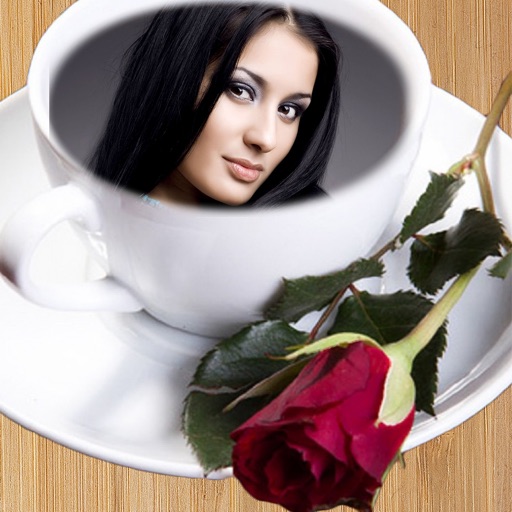
Capture photos with customizable cup . Add text, stickers, and filters. Share edited photos directly with friends and family. Save and view moments from house visits.
Add timestamps and customizable watermarks to photos and videos. Edit images with filters and cropping. Record videos with overlay options. Share content directly from the .