Create lighting mockups by tapping on home images to activate lights. Adjust colors and positions with zoom and pan tools. Preview static color effects without needing an account. Upgrade to Pro for advanced features.
by Horizon Home Lights LLP★ 5.02 ratingsGraphics & DesignFreeData updated 2026-09-06
Create color palettes from scratch or based on a sample. Add or remove colors to refine the scheme. Organize palettes into collections for different projects. Adjust individual colors for precise customization.
Add to photos and videos with customizable fonts and colors. Create captions, watermarks, and animated for social media. Edit art freely without ads or watermarks. Share edited content directly.
Access product specifications and pricing for dealers and installers. Search by keywords, download, and print reference materials. View content offline with full navigation. Requires active online tools account.
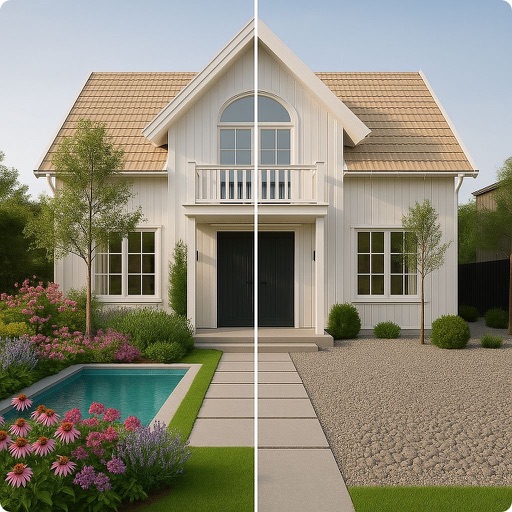
Capture photos of outdoor spaces to generate ideas. Generate multiple landscape plans with plants, hardscapes, and decorative elements. Customize designs and view actionable steps for gardening and landscaping.
View account details, assign accounts to test, and manage tasks such as scheduling service calls and updating customer information directly from a mobile device. Track job status and access technical support resources.
Edit photos with AI-powered tools for exposure, contrast, and color correction. Learn composition, lighting, and framing through interactive lessons. Get real-time feedback on shots and track progress over time.
Upload a photo and select a style to generate multiple professional headshots. Edit details like background and lighting. Export and share high-quality images for LinkedIn, resumes, and social media.
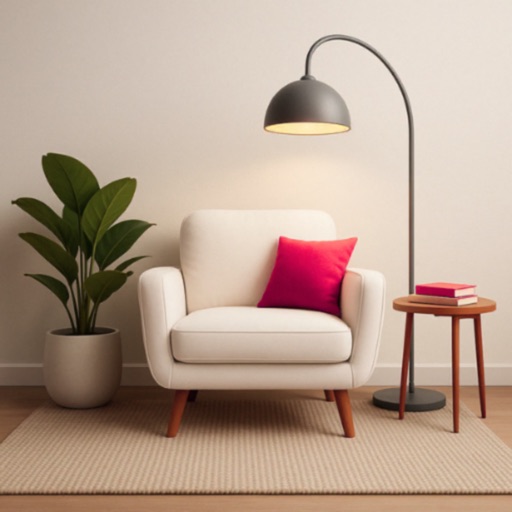
Visualize and exterior designs using AI. Upload photos, choose styles, and generate transformed room layouts. Replace furniture, experiment with layouts, and preview changes without measurements.
AI editor offers one-tap cleanup, lighting adjustment, skin smoothing, and portrait polishing. Remove and replace backgrounds with clean cutouts. Upscale images to ultra-clear resolution. Apply colorization and restore old photos.
AI enhances photos and videos with one-tap processing. Adjust brightness, contrast, and color balance. Remove blemishes and imions. Add text overlays and stickers. Export in various formats and share directly.
Use AI to generate realistic design visuals. Upload photos of rooms or spaces for redesigns. Explore different styles and layouts. Get magazine-quality renderings of interior and exterior designs. Adjust and refine AI-generated concepts.
Simulate 135, 120, disposable, Polaroid, and classic digital film cameras with accurate color and texture reproduction. Capture photos with film effects. Create and view photobooks in a book-like album format.
Identify colors by pointing camera at objects. Retrieve precise hex, RGB, HSL, and CMYK values. Save unlimited palettes. Export colors to local album. pure black and white accurately.