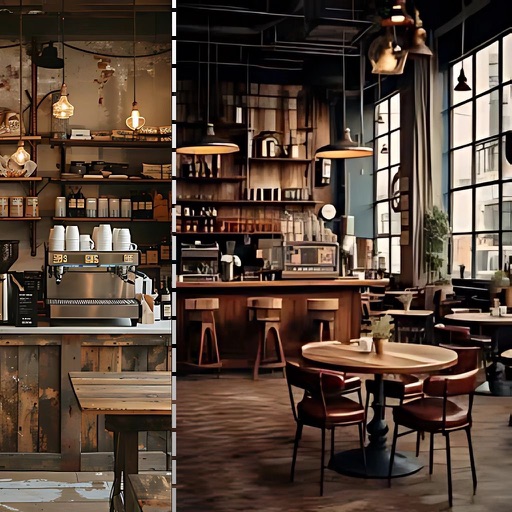
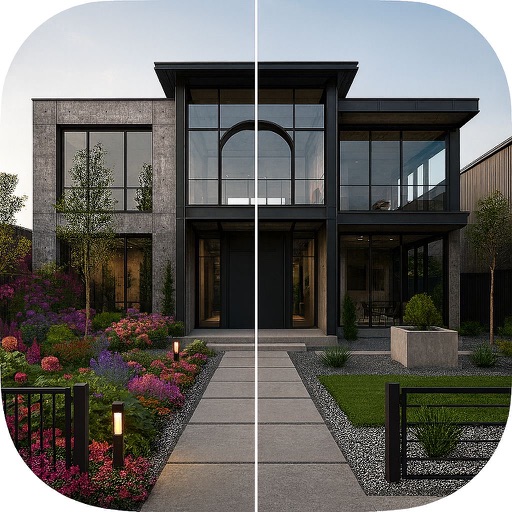
Create lighting mockups by tapping on home images to activate lights. Adjust colors and positions with zoom and pan tools. Preview static color effects without needing an account. Upgrade to Pro for advanced features.
by Horizon Home Lights LLP★ 5.02 ratingsGraphics & DesignFreeData updated 2026-09-06
Transform selfies into stylized portraits with customizable styles. Apply filters and effects to alter appearance. Save and share generated images directly. Adjust settings for detailed customization.
Create digital art projections on any surface using connected projectors. Adjust lighting, shadows, and details with voice commands. Share creations with a community or synchronize multiple projectors for collaborative displays.
Create instant-film style photos from uploaded images. Choose templates, backgrounds, and seasonal themes. Let AI combine elements into realistic portraits. Save and share generated photos.
Learn facial for artists with layered skeletal, muscular, fat, and skin structures. Explore detailed 3D models to understand proportions and relationships. Annotate and save notes for reference during drawing sessions.
The app offers pixel art creation with basic drawing functions and layer support. It allows for animation with onionskin tracing and file sharing in multiple formats.