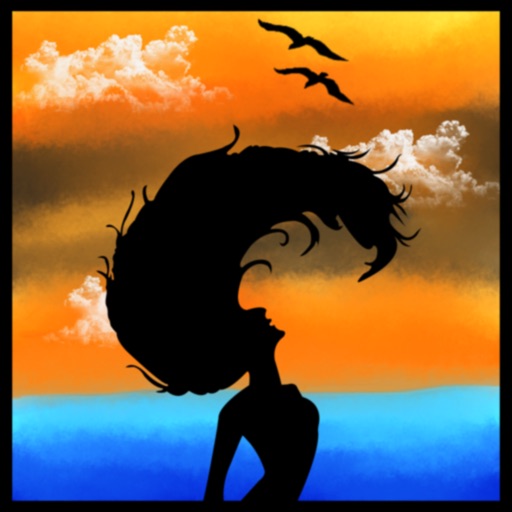
The app allows users to customize iPhone, iPhone X, or iPad wallpapers with a blur effect. Users can apply the effect to included wallpapers or their own photographs and draw on images with included brushes.
Track habits and routines with reminder notifications. Set goals for tasks and receive alerts. Log progress with a simple, intuitive interface. Monitor health, fitness, hobbies, and education habits without requiring sign-up.
Organize details with categorized lists and reminders. Track maintenance, repairs, and renovations. Set alerts for routine tasks and management. Sync data across devices for easy access and updates.
Help users make decisions by creating lists and selecting random options. Create and reuse lists for various choices. Add multiple options to each list. Select a random choice with one click. Features include a clean interface and simple navigation.
Draw sketches using brushes and tools with support for Apple Pencil. Create layered artwork and zoom for detailed painting. Import and export vector images in PDF, PNG, and JPEG formats. Use color or photo backgrounds. Save artwork for later.
Write steno using the iPad touch-screen. Import translation dictionaries in RTF-CRE format. Get instant real-time translation. View writing speed in strokes-per-minute. Send emails and save notes. Sync with external dictionaries.
Create detailed technical illustrations and artistic designs with vector editing tools. Draw, reshape, and color elements with precision. Import and export files in multiple formats. Use layers, masks, and effects for advanced design work.
Create custom -shirts by selecting and applying colors to designs. Draw on shirt templates to personalize artwork. Save and share finished designs. Explore various tie-dye patterns and color combinations.
Provides for reports, resumes, flyers, and social media visuals. Users can customize layouts, graphics, and infographics. Access a large collection of pre-designed elements to enhance document creation.
Create vector artwork on iPad with precise drawing tools. Align objects to grids, paths, or points. Scale and rotate multiple objects in real time. Use masks to cut out elements from artwork or photos. Position text at any angle or along paths.