Create presentations by describing topics, generating slides with visuals and structured content. Edit documents with AI-powered suggestions. Organize tasks with intelligent scheduling. Convert text to speech and vice versa.
Convert voice notes into text, emails, or documents. Record thoughts aloud for summaries or turn single sentences into professional emails. Use AI for accurate transcription and formatting.
Describe surroundings and answer questions in real
Get real-time descriptions and answers about your surroundings by pressing the main button. Choose imperial or metric units. Adjust the field of view for better coverage. Improve AI accuracy for clearer responses.
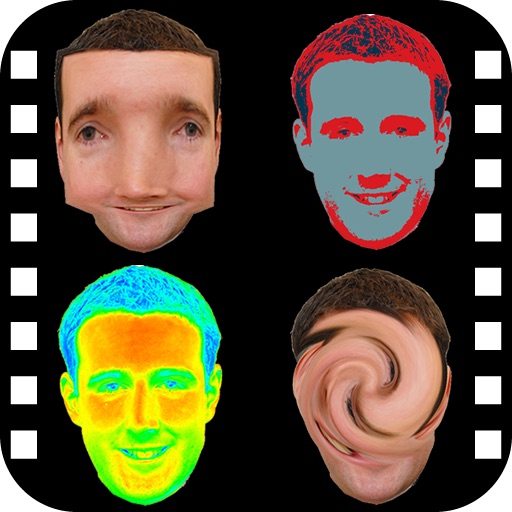
The app provides a photo editing experience with numerous effects. Users can select a picture and apply various filters like Night Vision, Heat Cam, Ripple, and Alien.
Turn your iPhone into a imaging tool. Apply real-time -style filters to photos and videos. Learn about and low-light technology through visual guides. Discover practical use cases like wildlife photography and safety demonstrations.
Enables users to ask questions and receive instant replies. It assists with writing tasks such as generating texts, emails, and essays. It supports multiple languages for translation and conversation.
Allows users to zoom in on small text, numbers, and details using the iPhone’s front or rear camera. Users can adjust zoom via a dragable bar. The includes a built-in flashlight that can be toggled on or off.
Take photos and ask questions about objects or landmarks. plants, animals, fungi, coins, and historical sites. Get instant information and insights based on the image.
Convert written to with customizable voice settings and playback options. Listen offline or translate to multiple languages. Take notes and save audio files for later playback.
Convert speech to and transform photos into . Adjust pitch and rate. Highlight spoken . Choose from 141 in 38 languages. No internet required. Export converted unlimitedly. Sync with system via settings.
Manage tasks with AI-driven solutions for problem-solving, PDF handling, and research. Summarize podcasts and generate text for creative projects. Assist with shopping and organize daily activities using intelligent automation.
Allows visually impaired users to capture images of text or objects. AI generates detailed descriptions of the captured content. Users can ask specific questions about the image via text input.
Translate text, , and photos instantly across 320 languages. Speak or type in your native language for real-time translations. Use AI to provide context-aware translations. Share translated text or audio directly.
View surroundings with a realistic green filter. Adjust brightness and contrast for optimal visibility. Apply the effect to photos and videos. Choose from multiple viewing modes to simulate goggles, binoculars, and scopes.
Answer: allows users to write emails, solve math problems, summarize PDFs, and generate AI images. It integrates multiple AI models for quick responses.