Edit photos with presets and organize them by categories and folders. Adjust colors using PRO color grading tools. Add textures, effects, and blur options. Design social media posts with templates. Export edited images in various formats.
by ANASTASIYA KALINOUSKAYA★ 4.58 ratingsPhoto & VideoFreeData updated 2026-09-06
Edit RAW photos with color and tone adjustments. Import and process RAW files from cameras or storage devices. Organize and manage libraries. Capture pro-grade RAW images with manual controls.
Edit photos with AI-powered object removal and background blur. Generate from text using AI. Adjust colors, brightness, and contrast. Add filters and effects. Crop and resize . Share edited photos directly to social media.
Capture high-resolution close-up photos of your eye without a special . Use AI to identify the iris and remove blur, reflections, and noise. View detailed textures and true colors of your eye. Share the resulting image directly.
Auto-focus and exposure adjust automatically for portraits. AI enhances depth and background blur. Use Photo Coach for real-time guidance on composition and technique. Edit photos with filters, cropping, and adjustments.
Edit photos with filters, cropping, and adjustment tools. Create collages, photo posters, and text art. Add stickers and text. Repair old photos. Make -in- effects and GIFs. Share edited content to TikTok, iMessage, and Instagram.
Create collages by combining up to 20 photos with backgrounds, stickers, and drawing tools. Apply filters, borders, and fonts to enhance images. Share collages on Facebook, Instagram, and other platforms.
Photos by tapping to automatically backgrounds or specific objects using AI. Select images from the library or camera. Adjust intensity and apply effects to hide unwanted details. Export edited photos directly.
Create photo collages and video slideshows with customizable layouts, colors, and patterns. Add text, filters, and music. Edit photos with object removal, skin softening, and blur effects. Include stickers, outlines, and background adjustments.
Edit photos and videos with AI-powered enhancements, including skin smoothing, background blurring, and style transfers. Adjust lighting, colors, and effects. Save and share edited content directly.
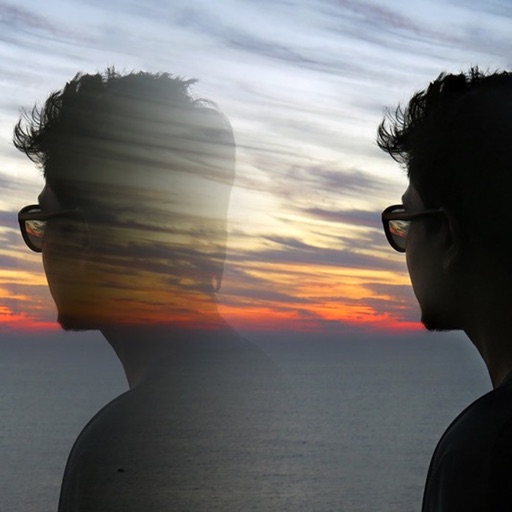
Edit photos with 12 blend modes including overlay, multiply, difference, and exclusion. Combine foreground images from a growing library of over 400 options. Export and share edited creations.
Edit videos and stories with AI-powered tools. Add stickers, filters, and animations. Copy and paste assets between apps. Save media to camera roll for use in other editors. Organize favorites and apply styles with one tap.
Edit photos and videos with AI-powered filters, 100+ templates, and 20+ glitch effects. Adjust colors using HSL, RGB, and color-tuning tools. Apply AI makeup and export edits in various formats.
The app offers artistic generative presets, image layers, and adjustment layers for photo editing. Users can create art prints, improve photos, or develop digital art skills with its editing tools.