Edit photos with cropping, brightness adjustment, and color correction. Apply filters and beauty tools to enhance skin tone and remove blemishes. Save and share edited images directly.
The app measures angles and slopes using the device's camera. It offers two modes for measurement and allows users to capture screenshots of their measurements for later review.
View image such as measurements, DPI, file size, location data, and device information. Import images via drag and drop from Photos, Files, or Safari. Display in a card-based layout for easy reference.
Offers manual camera controls for iPhone, including shutter speed, aperture, ISO, and focus. Users can adjust exposure, white balance, and metering. high-quality with customizable settings. Save and share images directly.
The app allows a user's iPhone or iPad to function as a remote camera for Stop Motion Studio. It provides live preview and full camera control for capturing stop-motion animations.
Edit photos using a variety of art filters and effects. Apply themed backgrounds and templates like Memphis, Poster, and Tropical. Customize designs with layered elements and export edited images in multiple formats.
The app provides photography basics for beginners and tools for professionals. It offers interactive lessons on exposure, aperture, shutter speed, ISO, depth of field, and white balance.
Allows users to capture photos with a small shutter sound. Adjust zoom scale and reset to 1.0 or telephoto mode. Modify exposure compensation between -5.0 and +5.0. Add watermarks and view current shutter speed and ISO.
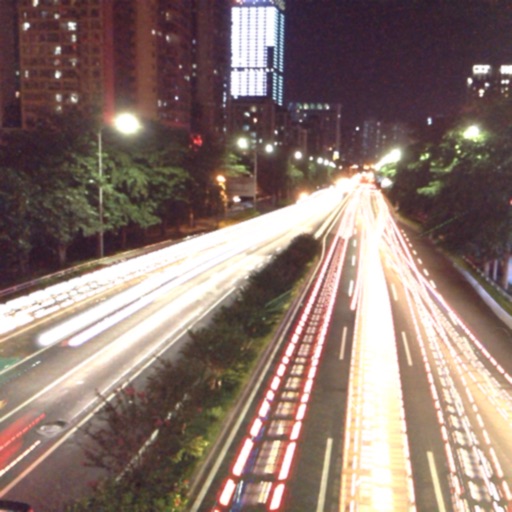
The app captures photos using slow shutter speed effects to create light trails and streams. Users can control exposure time and focus for motion blur photography.