Calculator displays calculations in real-time and saves a history accessible by swiping up. It handles fractions, converting between proper, improper, and mixed formats. It supports degrees, minutes, and seconds for angle input.
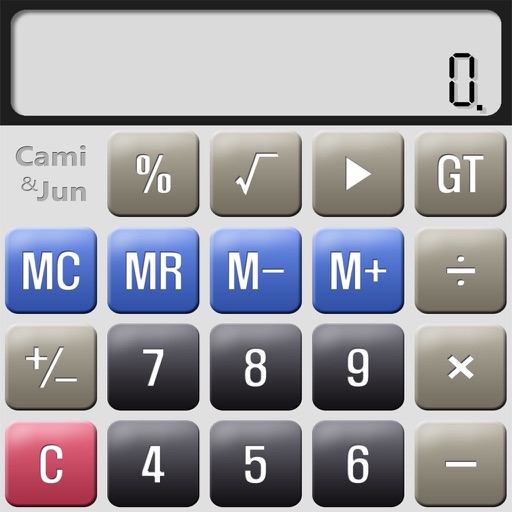
Perform complex calculations with a sleek interface. Store and recall values using memory function. Review calculation history for accuracy. Switch between scientific and basic modes. Adjust display settings for clarity.
Allows users to save formulas for repeated use. Enter variables to recalculate results without rewriting formulas. Supports trigonometric functions, logarithms, factorials, and permutations. View saved formulas and variables for easy access.
Store numbers, retrieve numbers, calculate results
Allows users to store and retrieve numbers using multiple slots. Tap a slot to save a number and tap again to recall it. Swipe up and tap Delete to clear a slot. Access 25 recent calculations for quick reference.
Estimate retirement annuity based on age, service,
Federal employees can estimate their retirement annuity using this . Input age, years of service, and high-3 salary to get an estimated annuity amount. The result is based on retirement formulas.
Calculate with multiple tabs for different tasks. Use a regular , scientific functions, and currency converter. Add titles to tabs for easy organization. Note-taking feature available for quick reminders.
The app offers both basic and scientific calculator functions. It includes degree and radian calculations, allows for editing incorrect numbers, and keeps expressions visible on the screen.