Turn photos into studio-quality images with AI enhancements. Create animations and face expressions. Apply artistic styles like 3D and sketch-to-realistic. rtistic emojis and animated faces from selfies. Export and share transformed images.
Trace images to create sketches or drawings. Adjust line thickness and brush styles. Use an eraser tool. Apply filters to images. Select from gallery or take new photos. Draw on paper with phone held 1 foot above.
Use augmented reality to trace photos or line drawings. Adjust brush settings for precision. Annotate and refine sketches digitally. Export final artwork in various formats. Share drawings via social media or email.
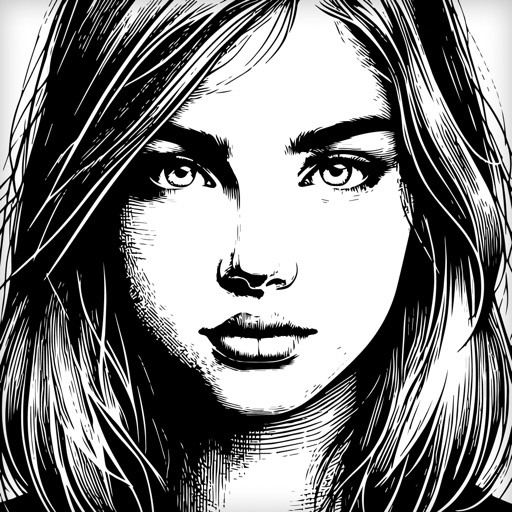
Convert images, sketches, or artwork into high-contrast black and white stencils. Adjust contrast and edges for precise results. Export stencils in high resolution for use.
Use camera to project images onto paper for tracing. Draw directly on projected content. Adjust brightness and contrast for better visibility. Save and share artwork. Access tutorials for tracing techniques. Sync drawings across devices.
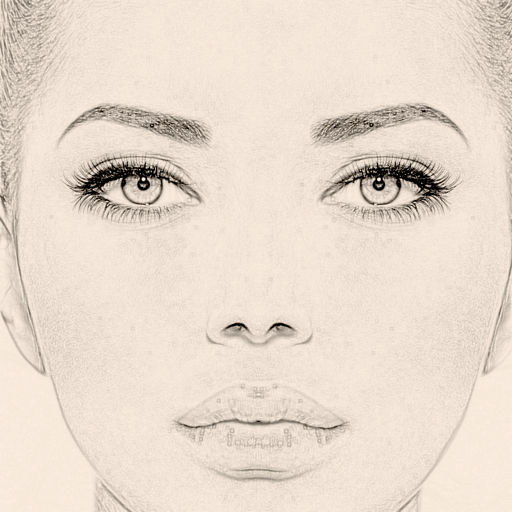
Convert photos to sketches and styles with AI-powered tools. Adjust line thickness, contrast, and color tones. Save and share edited images directly. Apply filters and export in various formats.
Edit photos and selfies with AI-powered art filters and effects. Choose from over 40 art styles to create fine art paintings. Share edited artworks on social media with the # hashtag.