Write and debug assembly code with syntax highlighting and real-time error detection. Explore low-level programming concepts through interactive challenges and tutorials. Export code as text files and share projects directly.
Write C code with syntax highlighting and auto-formatting. Compile and run programs directly within the IDE. Access offline tutorials and examples. Debug code with step-by-step execution. Manage projects and save files locally.
Check phone specifications including model, sensors, and battery health. Monitor data usage and track camera performance. View system temperature and usage time. Add widgets for quick access to key metrics.
Watch live church streams and access recorded messages for offline listening. Take notes during services. Receive real-time alerts and event updates. Download sermons and stay informed about church activities.
Simulate arrow flight in real-time 3D. Adjust bow setup including pin sight, arrow velocity, weight, and type. Input target distance, direction, elevation, and wind. Calculate target hit probability and adjust aiming accordingly.
The app simulates Turing Machines, a model for analyzing computable problems and algorithms. It allows users to write, execute, and analyze Turing programs step by step with adjustable execution speed.
Monitor CPU and memory usage with real-time data and process details. View core counts, memory stats, and GPU usage. Customize color schemes and track process PIDs and resource consumption.
Access personalized learning paths, rapid flashcards, and AI-driven tutoring for EMS . Study EMR, EMT, AEMT, Paramedic, and Critical Care programs. Simulate National Registry exams with testing tools.
View and copy your iOS advertising ID and technical specifications. Access system details including model, OS, resolution, and battery. Retrieve extended information like IDFV, region, and storage. Export or share data directly. No login required.
Simulate circuits using components like AND, OR, NOT gates, flip-flops, and multiplexers. Build and test circuits with drag-and-drop components. View output through monitors and adjust inputs manually. Save and share designs.
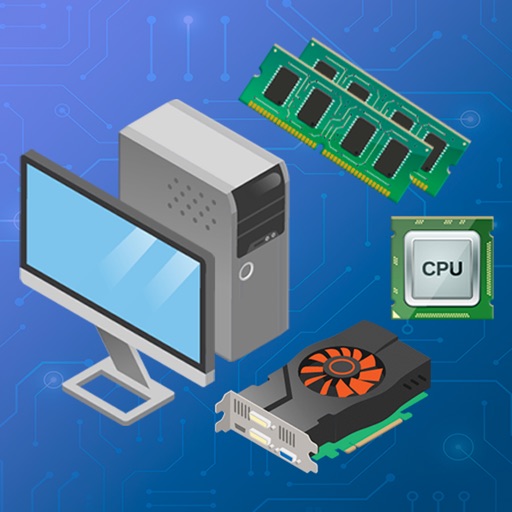
Read articles and tips on technology topics. Explore hardware components, PC assembly guides, and software information. Learn about motherboards, processors, RAM, graphics cards, and other equipment.