Organize photos by removing duplicates and deleting unwanted images. Free up storage space with one-tap cleaning. Swipe to delete or move photos. Protect important images by storing them separately. Confirm twice before deleting to avoid mistakes.
Helps manage storage by removing duplicate photos, blurry images, and unnecessary screenshots with a single tap. It allows users to delete large files and unused documents to free up space.
Organize and free up storage by removing duplicate photos and similar videos. Manually delete unwanted files via mode. Clean up screenshots and screen recordings efficiently. Manage contacts and media with detection and quick removal options.
Scan for duplicate and similar photos, including Live Photos and screenshots. Highlight recommended " photos" for easy review. Compress videos and organize emails with sorting tools. Manage by deleting or keeping selected files.
Organize and clean iPhone storage by removing duplicate photos, similar or large videos, and unnecessary screenshots. Compress videos to save space. Protect private files and manage media with AI-powered sorting and optimization.
APPAS SOLUTIONS, SOCIETATEA CU RASPUNDERE LIMITATA
Capture low-light scenes with infrared and thermal
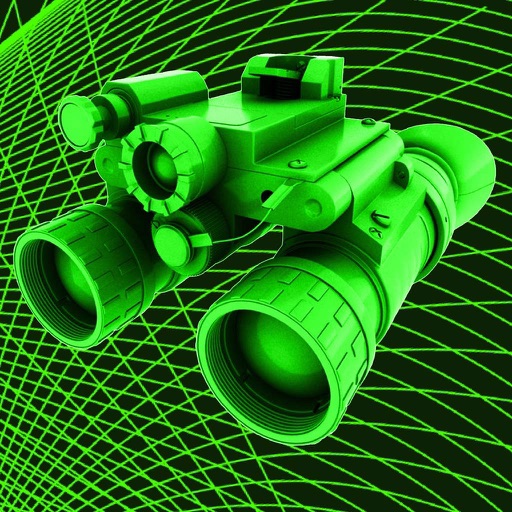
Take photos in low light using three modes. Capture infrared, X-ray, and thermal effects. Zoom in with binoculars and apply temperature effects. Adjust settings for optimal visibility in environments.
Identifies and removes junk photos, duplicates, screenshots, and blurry images. Allows swiping to keep desired photos and delete others. Offers undo option for deleted items. Keeps photos stored locally on the device.
Take screenshots of visible web content, entire web pages, selected rectangular areas, and specific web elements. Save and share captured images directly.
Clean up photos and videos to free up iPhone . Delete duplicates, organize files, and preview content. Export selected media to cloud or computer. Manage usage with clear category breakdowns.
Edit photos with paint and drawing tools, blemish removal, and image enhancement features. Add text and stickers. Export and share edited images directly.
Organize photos by swiping left to delete, right to keep, or tapping to favorite. Mark favorites instantly. Remove duplicates, blurry images, and screenshots to free up storage space.
Up iPhone storage by removing duplicate photos, videos, and screenshots. Identify and delete similar images. Organize contacts and free up space with simple, safe cleanup tools.
Organize and manage apps with smart collections for categorization. Import apps via links or batch upload. Add notes, ratings, and sort collections. Assign colors, switch views, and move apps between groups. Share organized sets directly.