Capture recordings of games or apps with smooth, stable performance. Use simple controls for quick captures. Choose Ultra HD or adjust resolution, bitrate, and FPS for custom quality. Rename files and manage storage through the History feature.
by Andy Sutanto★ 4.864 ratingsPhoto & VideoFreeData updated 2026-09-06
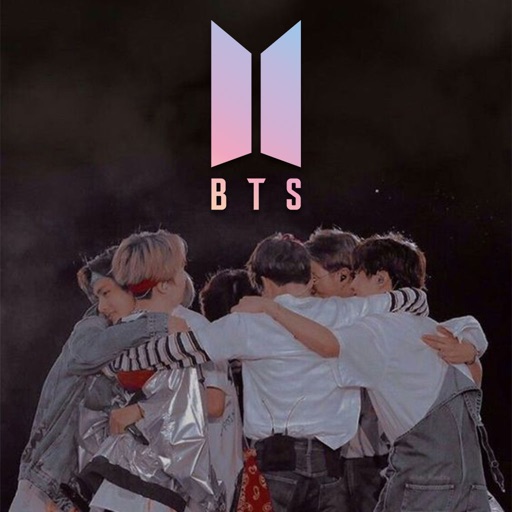
Download and customize BTS in high quality. Create unique by editing images or combining elements. Access over 200 pre-designed and receive future updates. Share personalized with others.
Capture and send dev-ready bug reports from mobile devices. Take screenshots or record issues and automatically include technical details like OS, device, and battery levels. Send reports directly to your issue tracker without additional setup.
Videos to reduce file size and save storage space. Adjust resolution and bitrate settings. Export compressed videos in various formats. Share directly to social media or messaging apps.
Record activity with customizable video quality settings. Capture tutorials, meetings, and gameplay. Switch between display modes easily. Save recordings in various formats and share directly.
Capture photos and videos with control over focus, exposure, ISO, shutter speed, white balance, and flash. Enable RAW capture, real-time histogram, focus peaking, and lock exposure and white balance.
Allows users to record video with real-time speed, location, and time data. It starts recording automatically upon shock detection or when speed exceeds a set limit. Users can adjust G sensor sensitivity and stop recording when power is lost.
Fans can browse and download Ultra HD wallpapers of favorite players and match highlights. Features include daily updated content, high-resolution images, and easy sharing options.
Compress and optimize photos and videos to reduce file sizes by 80% or more. Sort and organize media files. Save compressed versions directly to the device. Maintain high quality during compression.
Edit videos by swapping microphones for different sounds, cutting into tracks, adjusting volumes, and adding reverb. Assign unique settings to each track. Export as original size, compressed for sharing, or extract only.
Import videos and apply effects with presets like Small Room, Medium Hall, or Cathedral. Adjust Wet/Dry settings or create custom and delay. Export as original size, lower file size, or audio-only. Save or share the processed .
Record gameplay and video with HD60 X or HD60 S+ cards. Connect to iPad for portable streaming and content creation. Support for external cameras and microphones. Adjust settings for resolution and frame rate. Save and share recordings directly.
Create animated AR characters and scenes from doodles. Edit and animate drawings frame by frame. Record videos of AR scenes. Share videos on social media platforms like Instagram, Twitter, YouTube, Facebook, TikTok, or Tumblr.