Edit photos with a variety of filters and effects. Add styled text and decorative elements. Save and share edited images directly. Create visual compositions with intuitive tools.
by Nabeel Ahmed★ 0.00 ratingsGraphics & DesignFreeData updated 2026-09-06
Edit features like waist, legs, hips, and abs. Apply makeup and adjust skin tone. Change hair color and style in real time using the live camera feature. Save and share edited images.
Edit GIFs by cropping, resizing, and adjusting speed and timeline. Create boomerang effects and meme-style animations. Export and share customized GIFs directly.
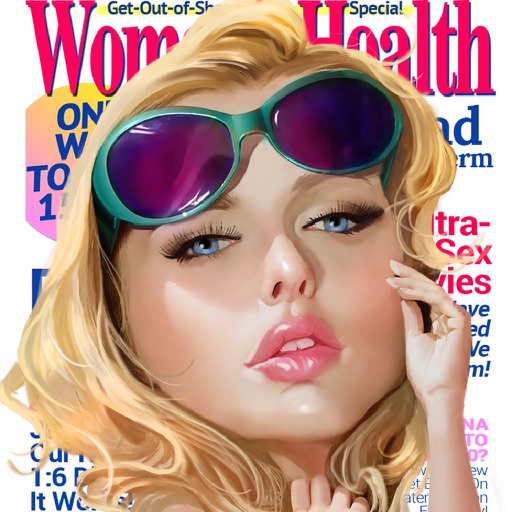
Create personalized covers by adding text and editing photos. Choose from various headlines and styles. Share finished covers on social media. Edit images with filters and cropping tools.
Edit photos to create color splash or color pop effects. Select specific areas to color while keeping the rest and . Adjust color intensity and apply artistic filters. Share edited images directly.
Generate AI-powered images from text inputs. Create graphics for projects, thumbnails, product visuals, branding, tattoos, wallpapers, and more. Edit and refine images with advanced tools. Export in various formats for use across different platforms.
Edit photos by adjusting brightness, saturation, and contrast. Crop, rotate, and apply special . Draw on images, add text, and create graffiti. Share edited photos directly from the .
Edit photos with holiday and add messages. Frame images with Christmas and New decorations. Share edited photos directly. Create collages and albums with customizable designs.
Create videos using AI-generated visuals. Add text, animations, and effects. Export in various formats and share directly. Edit and refine projects with intuitive tools. Collaborate in real-time with others.
Edit photos with cropping, resizing, and removal tools. Apply filters, adjust colors, and add text overlays. Export images in various formats and share directly to social media or online stores.
Generate images and videos in various artistic styles, including emotions and art movements. Visualize personal goals through interactive Wish Map features. Create custom comic books with sequential panels.
Apply filters to photos and videos for a cyberpunk aesthetic. Capture timelapses with advanced motion tracking. Use BrainFeverAI to detect and enhance automatically. Edit and share edited content directly.
Upload a and add a text prompt to generate realistic, high-quality edits. Edit images with AI-powered transformations. Share edited photos directly to social media or messaging apps.
Create art by describing ideas and selecting reference images. AI generates artwork based on input. Edit generated images with tools like adjusting colors, adding text, and exporting in various formats.
Add and choose from over 80 fonts to customize appearance. Adjust typography style and layout. Share edited images to social media or save to library. Create -based posters with or without background images.
Create art with 10 brushes. Adjust brush size and color randomly. Import photos to doodle on. Add drawings to family images for customization. Save and share completed artwork.
Edit photos with cropping, filters, and adjustments. Remove backgrounds and add text or stickers. Create collages and GIFs. Edit videos with trimming, compression, and subtitle addition. Convert to audio. Combine features for and editing in one .
Edit photos with 60+ high quality filters and 10 types of grain effects. Adjust exposure, shadows, and contrast. Add bloom for highlights and soften the image. Export edited photos in various formats.
Customize booths with layouts, text, backgrounds, stickers, and effects. Start with countdowns and instant previews. Share photos directly or download them later.