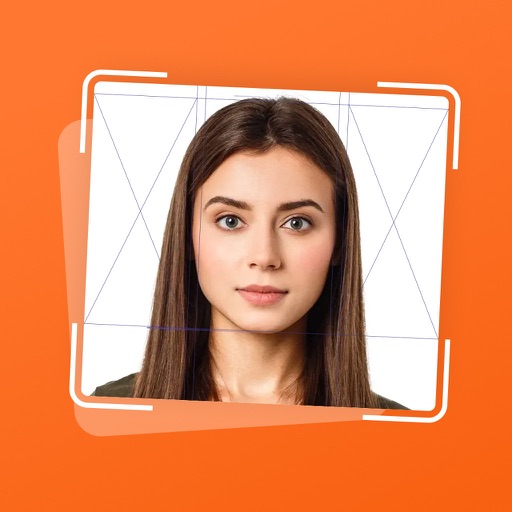
Capture and edit official ID photos professionally
Create professional-quality photos for passports, visas, and ID cards. Use guided cropping to adjust size and alignment to international standards. Edit backgrounds to achieve a clean look.
Create collages with over 1000 layouts and customize with filters, frames, and text. Edit photos using cropping, adjustments, and stickers. Save and share edited images directly.
Take and ID photos using a mobile device. Automatically adjust images to meet country-specific requirements. Manually crop and resize photos for precise formatting. Save and share edited photos directly.
Remove unwanted people and blemishes from photos or videos by painting and erasing. Edit images with AI tools, add text, filters, and effects. Adjust facial features like face shape, forehead, chin, and cheeks.
Convert selfies into biometric -size photos compliant with , ID, visa, Green Card, student card, and driver's license requirements. Automatically adjust photos for size, background, and lighting.
Access content from popular internet stars. Subscribe monthly or yearly for auto-renewing subscriptions. View exclusive digital content. Manage subscription settings within the . Make payments through iTunes account.
Create , ID, and visa photos for 150+ countries. Automatically remove backgrounds and ensure biometric compliance. Save photos for printing or digital use. Generate high-quality images directly from your device.
Documents using the camera for high-quality results. Auto-detect edges and correct perspective. Convert scans to PDF or JPEG formats. Share, print, or upload documents directly.
Documents and images with high-precision scanning. Adjust brightness and contrast. Crop and rotate scanned content. Save files in multiple formats. Share scanned documents via email or cloud services.
Create passport photos compliant with 2x2 inch requirements. Automatically resize images and remove backgrounds. Edit photos for biometric submissions in 100+ countries. Save and share edited photos for immigration applications.
Convert physical documents or digital images into editable PDFs via camera. Merge multiple images into one document. Edit PDFs with annotations, rotations, cropping, and freehand drawings. Refine images for clarity.
Edit photos by adjusting shape with a slider, protect background from distortions, remove unwanted objects with a swipe, blur specific elements, and automatically remove backgrounds. Access advanced features via a subscription.
Create professional resumes using built-in templates. Fill in personal and professional details. Export as PDF or Word document. Customize design elements to enhance appearance.
FACE & BODY TUNE PHOTO EDITOR, SOCIETATEA CU RASPUNDERE LIMITATA
Edit photos, remove objects, apply filters
Edit photos by removing objects with the eraser tool. Apply 25 filters for styling. Add colored borders using the border tool. Recolor specific elements like clothing. Overlay bokeh and sparkles for enhanced visuals. Share edited photos directly.