Manage songs with lyrics and sheet music. Playbacks, MIDI files, and videos are supported. Control MIDI devices or be controlled by MIDI. Access songs on-demand during performances. Unlock full version via in- purchase to remove song limit.
Record and playback messages with precise timing accuracy. Edit recorded sequences, adjust velocities, and control playback speed. Sync with DAWs for seamless integration and real-time performance monitoring.
Create and edit progressions with inversions, sus2, sus4, 7th, and 9th chords. Play chords as piano or synth or send MIDI to macOS. Use phone as MIDI keyboard for macOS. Practice reading musical notation.
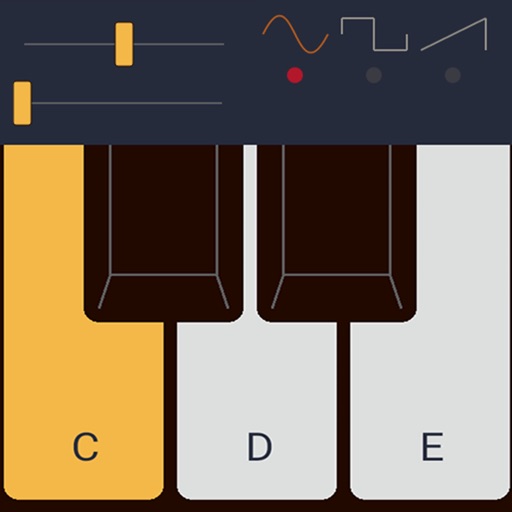
Practice recognition by listening and playing intervals on a virtual piano. Improve pitch and transcription skills through repeated exercises. Track progress and enhance improvisation abilities with regular use.
Create and manipulate audio using granular synthesis techniques. Adjust grain size, direction, and step size. Apply effects such as reverb, wave shaping, and sample crushing. Connect via AudioCopy, AudioBus, Inter Audio, and AUv3.
The app helps musicians learn songs, practice rhythms, and perform with a band. It offers tools for understanding complex rhythms and tracking progress.
Play virtual saxophone using MIDI devices or wind controllers. Adjust dynamics and articulation for realistic expression. Access a room simulator for immersive sound environments. Save and share performances.
Play using a realistic virtual instrument modeled after the 275 Titanium Grand . Adjust touch sensitivity, select from multiple samples, and customize sound settings. Save and share performances directly.