Create drawings and paintings using augmented reality. Project images onto paper and trace them. Choose from diverse patterns and motifs. Color directly on the projected image. Save and share completed artwork.
Create mandalas using watercolor, crayon, and oil paint tools. Add glitters for sparkle effects. Choose from anti-stress coloring pages and creative templates. Save and share finished artwork.
Create and edit drawing tools and photo additions. Paint on images finger input. Move, rotate, and scale added . Save and share creations via social media apps. Offers a simple interface for note-taking and visual projects.
Color pages with customizable tools and save progress. Play math-based mini-games for practice. Switch between and number challenges. Share completed artwork via social media.
Generate images based on text descriptions using AI technology. Input prompts to create hand-drawn artwork. Explore various artistic styles and refine outputs with editing tools. Save and share generated images directly.
The app features a casual puzzle game with HD graphics. Players drop sneezing powder to trigger chain reactions and rescue floating characters across over 60 levels.
Create and share digital artwork with tools, layers, and color palettes. Upload sketches to a personal virtual . Collaborate with others by commenting and viewing artwork. Export creations in various formats and share via social media or email.
Allows children to draw using color selection, shape tools, and an eraser. It plays with each stroke and includes a random color option. Users can change line thickness and save drawings.
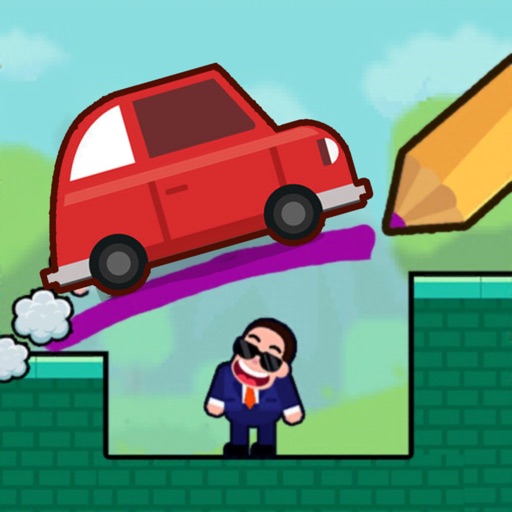
Build bridges by drawing lines to support a car across varying levels. Adjust structural elements to ensure stability. Test designs for strength and accuracy. Progress through increasingly complex challenges.