Mirror and control desktop screens over WiFi, USB, or LAN. Cast displays to TVs, tablets, or phones. Access remote computers for file transfers and control. Use drawing tablets for digital art. View and interact with remote desktops and applications.
Mirror device screens wirelessly or via USB to any browser or device. Share up to five screens at once. Remote control mobile devices. Sync with Windows, Mac, and iOS. Access screen sharing through a web browser without installation.
Manage local and cloud files in one . Transfer files wirelessly to Mac or PC via Wi-Fi using drag-and-drop. Access multiple cloud accounts. Stream music and videos from the cloud. Use built-in tools to organize and view files.
Record HD videos and movies. Apply filters and effects. Crop and rotate videos. Adjust contrast, saturation, brightness, and temperature. Fine-tune colors and create custom filters. Use presets. Export in high resolution. Share videos directly.
Edit designs, process files, and control laser machines wirelessly. Snap images for processing without a computer. Curve text with drag-and-click. Generate barcodes and manage projects across devices.
Play video files in all formats and encodings without conversion. Support ASS/SSA/SUP subtitles for full effect. Stream from PC or NAS directly without storage usage. No need to download files for playback.
Design and edit projects directly on with text curve tools and barcode generation. Connect and control laser machines wirelessly. Process designs on the go without needing a computer. Edit and adjust projects for laser cutting and engraving.
Manage files across iPhone, iPad, or iPod touch. Connect to Mac or PC via Wi-Fi for file transfers. View documents, play music, browse images, and record audio. Drag and drop files from Finder or Windows Explorer.
Audio tones and adjust EQ settings. Manage presets with import and export options. Set tempo, noise gate thresholds, and cab settings. Customize global parameters and save configurations for later use.
Control mixing, processing, and effects of X18/XR18/XR16/XR12 mixers via iPad. Adjust 18 input channels and 12 buses. Edit 4 stereo effects processors. Access routing, EQ, and dynamics settings. Save and recall mixer configurations.
Record up to 16 tracks with effects like pan, reverse, reverb, tremolo, and tempo delay. Use as a standalone or plugin. Manage master and input effects. Loop and layer audio for creative playback.
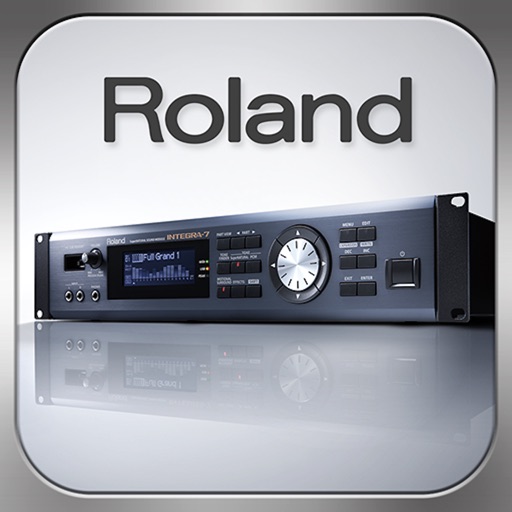
Control synthesizer parameters like SuperNATURAL Synth Tones and Part Mixer remotely. Select and load Studio Sets. Adjust tone assignments for each part. View and modify settings on an iPad screen. Requires Roland -7 and Wireless Connect.
Create and control complex control layouts with precision. Edit audio and MIDI files. Send and receive MIDI and OSC messages across multiple connections. Support for OSC over UDP. Adjust parameters in real-time. Sync with iOS and Android devices.
Route audio or MIDI between compatible using virtual cables. Apply effects to synthesizers or sequencers. Control multiple with a single interface for live performances and production.