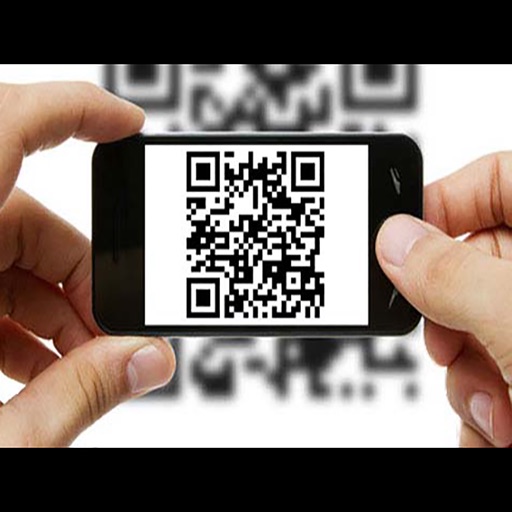
Scan barcodes using your phone’s camera or images from your device. View scanned results instantly. Identify barcodes from photos without needing the physical item.
by Kartika Ardiani★ 4.754 ratingsUtilitiesFreeData updated 2026-09-06
Scan QR codes and barcodes including UPC, EAN, ISBN, and GS1 Databar. Search for product information based on scanned barcodes. Automatically detect and scan codes without manual button presses. Share scanned results via email or social media.
Scan and decode QR codes and barcodes of various formats. Read contacts, URLs, Wi-Fi info, text, products, and location data. Generate barcodes and QR codes. Share scanned results via email or social media.
Scan QR codes and barcodes quickly and accurately. Decode text, URLs, and contact information. Share scanned data via copy or email. Support for multiple barcode formats.
Scan QR codes and barcodes to retrieve product information and current prices from stores like Google Shopping and Amazon. Compare prices in real time to find the deals. Create and save custom QR codes and barcodes.
Scan QR codes and barcodes to access contacts, URLs, Wi-Fi networks, text, products, coupons, and more. Decode various formats including books, emails, and locations. Share scanned data or save it for later use.
Scan barcodes and QR codes using the device's camera. Create custom QR codes. View product information and prices. Share scanned data via email or messaging.
Scan QR codes and barcodes instantly using the camera. Save scan history and copy shared URLs or text. Share scanned content easily. Use light mode for better visibility in dark areas. Function without an internet connection.
Scan QR codes and barcodes to access links, text, contacts, and locations. Generate QR codes and barcodes for Wi-Fi, websites, text, SMS, phone numbers, emails, and social media links. Share scanned content directly or save as images.
Scan QR codes and barcodes to automatically detect URLs, phone numbers, and email addresses. Open links in the browser, make calls, send emails, add contacts, or copy information to the clipboard.
Scans QR codes and barcodes quickly and accurately. Batch mode allows multiple codes to be scanned sequentially. codes from photos by detecting and reading them in order.
Update product stock in a WooCommerce webshop by scanning barcodes. Adjust quantities directly or search for products if the barcode is not found. Syncs with variable products to manage inventory efficiently.