Apps Like Classic Solitaire Master for iPhone and iPad
Play and plan your moves
Play with card layouts and rules. Sort cards into foundation piles by suit and rank. Move cards between tableau piles following suit and sequence rules. Undo moves and restart games. Track progress through multiple difficulty levels.
by MIND RAIN LIMITED★ 4.71,624 ratingsGamesFreeData updated 2026-09-06
Play games by collecting and stacking cards in a head-to-head match. Use wild cards to replace any except aces. Finish turns by playing all cards to draw five more. Win by emptying your goal pile first. Track progress and compete against opponents.
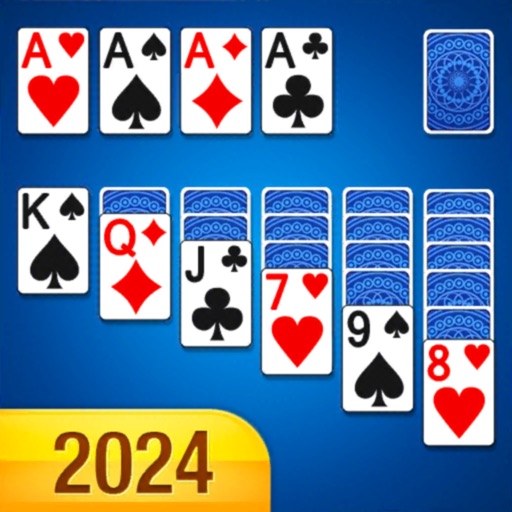
Play by arranging cards into 4 suit piles in descending order with alternating colors. Move cards between tableau piles or to foundation piles. Customize deck and board designs. Play offline without internet connection.
Play Up solitaire by tapping or dragging cards. Remove cards of the same suit by value. Choose from different backgrounds and card designs. Move cards between piles to clear them.
Play with rules and new twists. Stack cards from King to Ace in 1, 2, or 4 suits. Adjust difficulty levels. Complete daily challenges to stay mentally active. Move cards between piles and reveal hidden cards. Save progress and resume later.
Play using a standard 52-card deck. Move cards between 4 open cells, 4 open foundations, and 7 tableau piles. Build foundations from Ace to King. Win by moving all cards to foundations. No cards are hidden.
Play with a beautiful interface and intuitive controls. Tap or drag to move cards. Choose from easy, hard, or Vegas-style game modes. Use hint and undo features as needed. Track progress and replay games.
Play games with multiple variations and difficulty levels. Challenge yourself with strategic moves and hidden cards. Build foundations to win. Access + for enhanced features. Track progress and compete against others.
Play with multiple difficulty levels and holiday-themed decks. Move cards between tableau piles, build sequences in descending order, and clear foundations. Undo moves, save games, and adjust card animations.
Play classic Klondike with competitive gameplay. Flip cards to build sequences, move cards between piles, and clear the tableau. Earn real prizes by winning rounds and competing against other players.
The app offers a classic FreeCell Solitaire card game optimized for smartphones. It is suitable for quick breaks or brain training, featuring easy touchscreen play with tap-to-move functionality and an undo feature.
Play Klondike by building foundations from Ace to King. Manage tableau piles by moving cards between them. Access free cell and Spider variations. Track game progress and save multiple sessions.
Play Klondike with options to draw one or three cards. Move cards by single tap or drag and drop. Choose left-handed or right-handed layouts. Use unlimited free undo and auto-complete to win. View crisp, large cards for easy reading.
Play card games by matching cards that are 1 higher or 1 lower to clear the board. Track time and earn bonuses for completing decks. Use touch controls with smooth animations. Play free without purchase requirements.
Play with Draw 1 and Draw 3 variations. Use standard or Vegas scoring. Enable smart auto-complete and auto-turn features. Customize designs and backgrounds. Adjust speed. View detailed statistics. Support landscape and portrait orientations.
The app presents Klondike Solitaire with live cards and an original design. It offers features like undo, hints, tutorial, and customizable backgrounds for an enjoyable experience.
Play with Klondike rules. Swipe or tap to move cards naturally. Access unlimited hints and undo actions. View statistics and auto-complete features. Customize backgrounds. Sync game progress across devices. Compete on Game Center leaderboards.