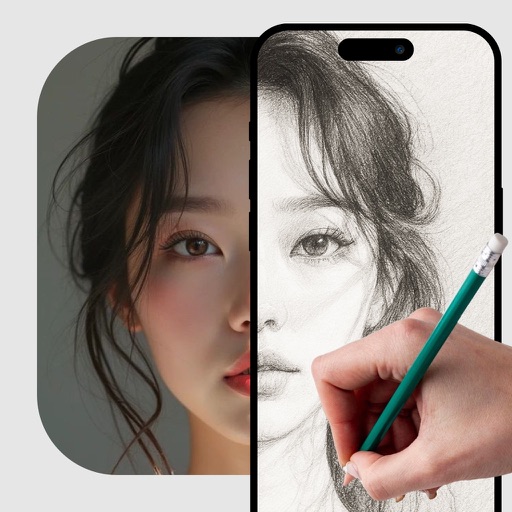
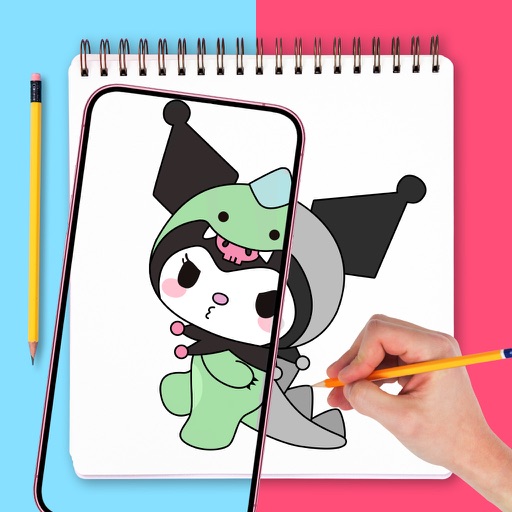
Use camera to project image outlines onto paper for tracing. Choose images from gallery or collection. Follow lines to practice sketching. Suitable for beginners, artists, and students. Improve hand-eye coordination.
Create vector art using Bézier tools and Apple Pencil. Convert sketches or photos to SVG format. logos, icons, illustrations, and UI assets. Export vector files for production use. Refine curves and edit vector drawings directly.
Use camera to project images onto paper for tracing. Draw directly on projected content. Adjust brightness and contrast for better visibility. Save and share artwork. Access tutorials for tracing techniques. Sync drawings across devices.
Create art using augmented reality tools and follow step-by-step artist-led tutorials. Access daily for various mediums like acrylic, pencil, and watercolor.
Create artwork using text prompts and style choices. Generate unique images in seconds. Explore various artistic styles. Save and share finished pieces. Edit and refine generated art.
Create intelligent sketches and drawings with layer management. Add markup for communication. Work through all design phases with fluid tools. Support for architectural and industrial design workflows.
Teaches drawing anime characters through video tutorials. Breaks down character design into -by- lessons. Covers foundational techniques and advanced details. Allows users to practice and refine their skills progressively.
Use augmented reality to draw on any surface. Trace outlines, adjust colors, and add textures. Save and share drawings. Access tutorials for beginners. Export in various formats.
Draw with pencil, brush, eraser, marker, and pen. Customize brushes with texture and fill colors using a bucket tool. Add text and shapes to drawings. Change backgrounds with color, texture, or images. Use grid for guidance and mirror for faster .