Create digital art with customizable brushes and over 1000 screentones. Design comic panels with fonts and filters. Add background brushes and adjust brush settings. Save and export artwork in various formats.
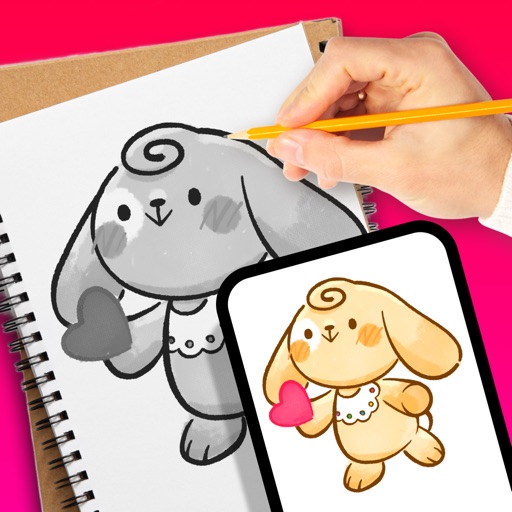
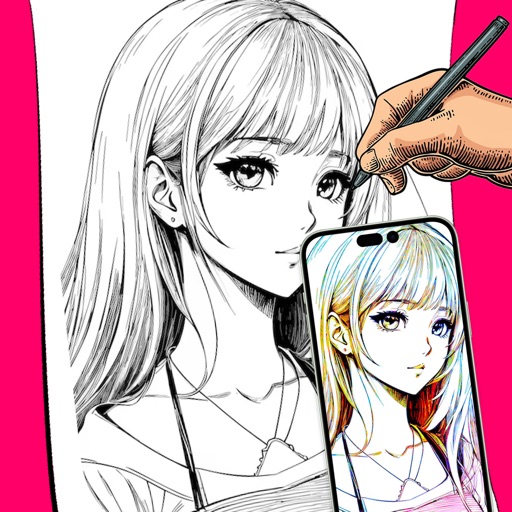
Draw Anything with AR allows users to sketch and paint using augmented reality. Users can select or upload images and projected lines for accurate drawings. The provides templates for anime, chibi cars, and animals.
Pollux Bilisim Teknolojileri Sanayi ve Ticaret Limited Sirketi
Sketch on photos with AR
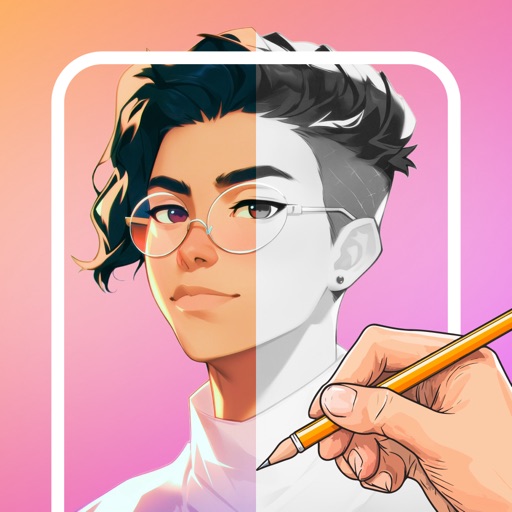
Use AR to sketch and draw on photos with realistic ink effects. outlines or create pencil sketches from images. Convert photos into artistic drawings with AI-powered tools. Save and share finished artwork directly.
Create digital art with drawing and painting tools. Use a wide range of brushes and customize settings for precise control. Add motion with animation tools and motion paths. Utilize symmetry guides for balanced designs.
Create art using augmented reality features. Draw on real-world surfaces with AR overlays. Receive real-time feedback and guidance while sketching. Explore interactive tutorials and artistic tools to enhance drawing skills.
To with guided lessons that show real strokes from professional artists. Practice step-by-step techniques to build confidence and accuracy. Use Apple Pencil for precise input and track progress through interactive exercises.
Create drawings and sketches on customizable canvas backgrounds. Record sessions as videos. Share creations with friends. Choose from preset color palettes for different coloring styles.
Create artwork using vibrant neon colors and glowing brushes. Draw on a large canvas with sketch tools. Adjust effects and export designs in various formats.
Create digital artwork with customizable brushes and adjust texture, shape, and paper quality. Import and export images in various formats. Access unlimited brushes and tools for free for 30 hours monthly.
Provide , fonts, textures, stickers, collections, 3D models, and palettes for digital art creation. Import assets into . Access new releases every Thursday. Organize and customize artwork with included tools. Share finished projects directly.
Use the to project real-time grids and guidelines for precise . Adjust grid size, opacity, and angle. Import sketches or paintings for reference. Save and export artwork in various formats. Sync drawings across devices.
Use phone camera to project images onto surfaces for tracing. Access templates for drawing and coloring. Color traced images to create artwork. Share finished drawings directly.