Edit photos to create funny cartoons, caricatures, and sketches with 9 styles. Apply filters and adjust details for high-resolution output. Convert videos into clips using live preview or one-tap conversion. Share edited content directly.
Play a game where you a club to hit a ball toward a hole. Adjust shot power and angle by tapping a moving arrow at the right time. Progress through levels with increasing difficulty. Track score and compare with other players.
The app offers video editing tools including trimming, merging clips, and adding text or animated titles. Users can adjust video display, speed, and apply various filters and transitions.
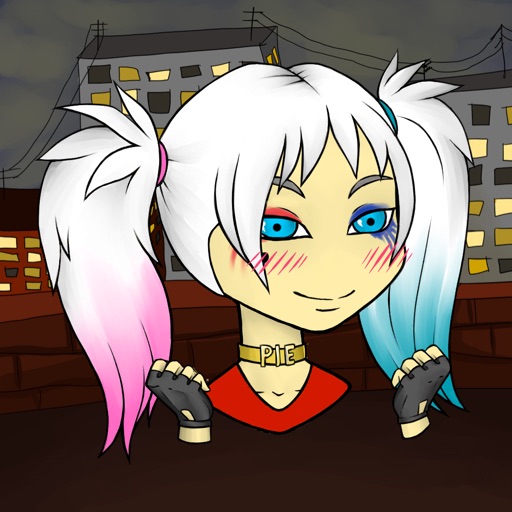
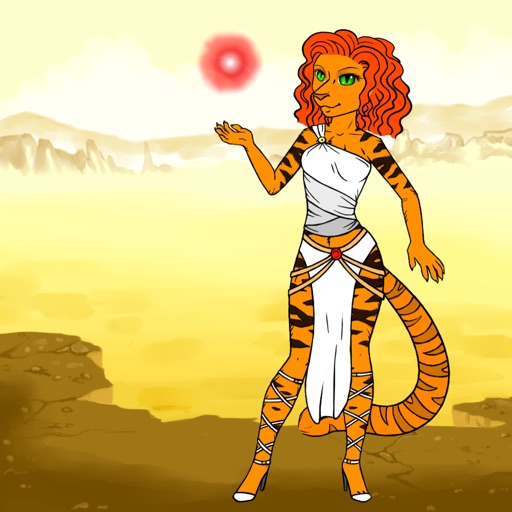
Create AI avatars from selfies in styles like cartoon, manga, 3D, and realistic painting. Customize backgrounds and animation scenes. Export videos or GIFs directly.
Edit photos with crop, rotate, exposure, color, sharpness, and resize tools. Create grid collages and edit individual images. Access presets, clone tool, and fine curve adjustments for detailed edits. Export and share edited photos directly.
Create animated videos with customizable backgrounds and social media formats. Use a doodle editor with unlimited layers and custom speed frames. Export and share finished animations.
Edit photos by applying and effects. Select images from the gallery or camera. Adjust frame position, size, and angle. Choose from multiple stylish frame options and effects.
Take photos with customizable cartoon frames. Select from over 20 styles for backgrounds and panoramas. Edit images with filters and effects. Share photos to social media or save to the photo library.
Create videos and animations using AI-powered tools. Transform images into anime or game characters. Edit videos with style filters and effects. Add text and music. Export and share finished projects directly.
Create and share short videos as animated GIFs or MP4. Capture frames with the or import photos, videos, or live photos. Apply real-time color filters, add text or frames, and record stop motion.