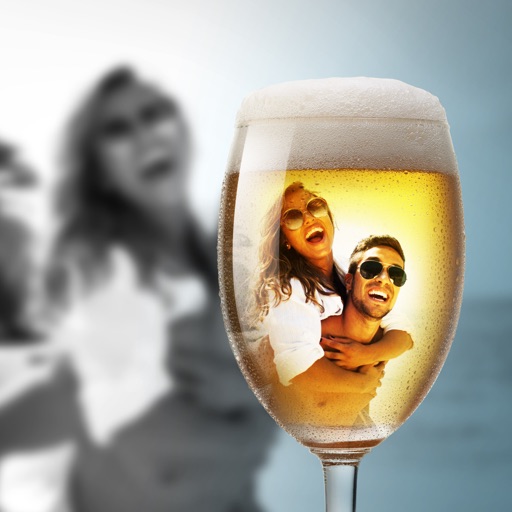
Edit photos by selecting from the album or capturing a new image. Choose between full or background blur modes. Adjust the blurred area manually with finger drag. Apply blur instantly for automatic results. Save and share the edited .
Create artistic images with single-tap camera effects and professionally designed filters. Adjust brightness, contrast, and tone curve. Blur and focus images. Rotate, crop, and resize photos. Add text and fun stickers.
Photos with filters, adjustments, and effects. Apply blur, focus, and rotation. Add text, stickers, and draw on images. Crop, resize, and enhance photos. Remove blemishes and whiten smiles. Save or share edited images.
Convert and photos to color using AI. Enhance old images by sharpening faces and improving clarity. Restore vintage portraits and colorize faded photos with realistic results. Edit and share enhanced photos directly.
Create and share digital art customizable brushes, unlimited colors, and layer support. Zoom, pan, and adjust brush parameters. Rotate, mirror, and undo steps. Participate in challenges like tracing or completing others' drawings.
Edit images with brightness, contrast, and other adjustment tools. Import photos and place them in customizable Story templates. Create gradients and use the dropper tool to match colors. Share edited content directly to Instagram .
Capture photos and videos with customizable PIP frames. Apply foreground filters and background effects like blur, zoom, and comics. Add motion effects such as fire and snow. Create PIP videos or GIFs and share directly.
The app provides tools for video creation and editing, including cutting, joining clips, and adding text and music. Users can apply filters, use a green screen effect, reverse video, and mask content.
Edit photos and videos by automatically recognizing and processing backgrounds. Choose from four recognition methods including transparency, blur, and replacement. Process only the subject or apply effects like fluffy, mosaic, monochrome, or sepia.
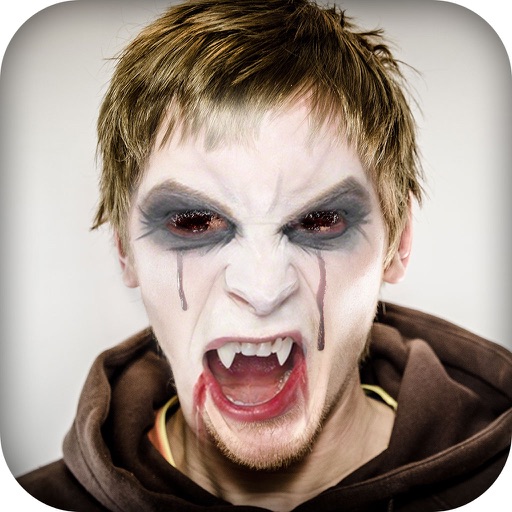
Photos by importing from camera roll. Apply effects and frames. Adjust brightness, saturation, and contrast. Crop, rotate, and straighten images. Add text, stickers, and draw. Sharpen, blur, fix red eye, remove blemishes, and whiten teeth.