Capture frames using front or back cameras with adjustable white balance, focus, and exposure. Paint on frames with customizable brush tools. Export animations in various formats and share directly.
by DAVID CROOKS SOFTWARE DEVELOPMENT LIMITED★ 4.622 ratingsPhoto & VideoFreeData updated 2026-09-06
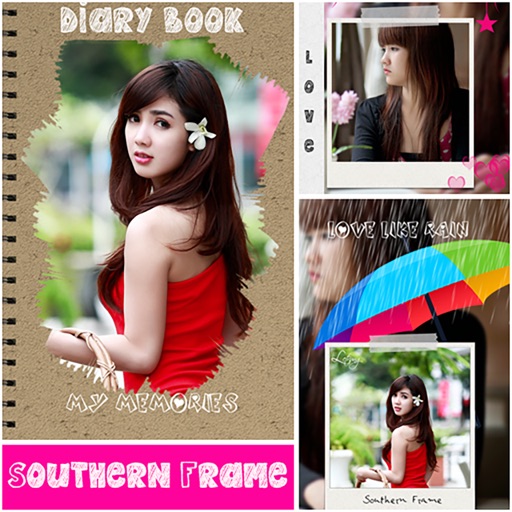
Personalized by selecting photos or from the gallery and applying favorite frames. Adjust images with zoom, rotate, and move gestures. Choose background music or mute the video. Save and share the final video through social media apps.
Create animated videos by acting in front of the camera or touching the screen. Record voice and save animations. Follow guided activities to make crafts and animate them. Share finished animations directly.
Edit photos by adding customizable frames based on metadata themes. Choose or create frames manually if metadata is missing. Save and share framed photos directly.
Create art sprites and animations for game development. Draw with Apple Pencil for precise control. Animate frame by frame using a timeline and onion skinning. Export sprite sheets directly compatible with Unity, Godot, and GameMaker.
Create collages by adding photos from the library or camera. Choose from multiple frames like heart, round, and star. Adjust photos by moving, pinching, and rotating. Select different backgrounds or use a photo as the background.
Personalized by selecting photos or from your gallery and applying favorite frames. Adjust images with zoom, rotation, and movement. Choose background music or mute the video. Save and share the final video through social media apps.
The app allows a user's iPhone or iPad to function as a remote camera for Stop Motion Studio. It provides live preview and full camera control for capturing stop-motion animations.