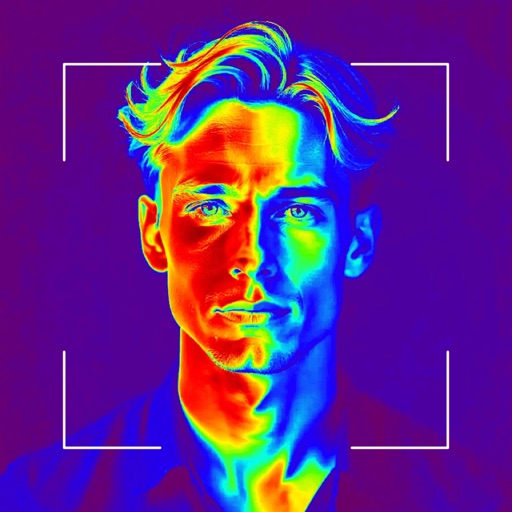
Apps Like Thermal Vision – Heat Filter for iPhone and iPad
Capture, apply, and share real-time effects
Apply real-time visual effects like , X-Ray, and Neon to photos and videos. Capture, edit, and share media directly. Access saved files, view individual media, and use in- sets for organization.
by Vicky Maria Topoushian★ 4.611 ratingsUtilitiesFreeData updated 2026-09-06
Edit photos with filters and adjust sensitivity for artistic effects. Save and share edited images directly. Use an intuitive interface to create visually striking effects without technical expertise.
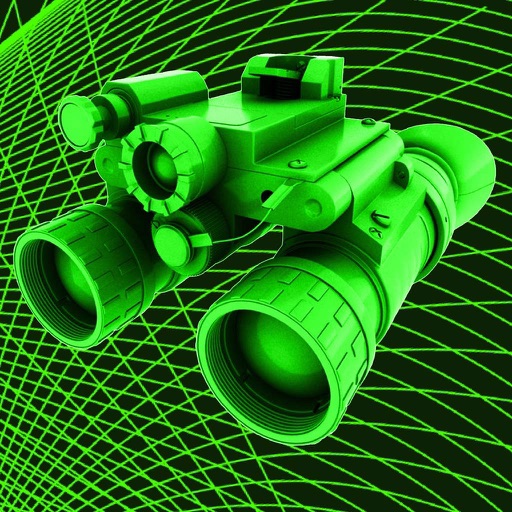
View surroundings using imaging effects to visualize temperature variations in colors. Apply multiple filters to photos and videos. Simulate views from different devices like binoculars.
APPAS SOLUTIONS, SOCIETATEA CU RASPUNDERE LIMITATA
Capture low-light scenes with infrared and thermal
Take photos in low light using three modes. Capture infrared, X-ray, and thermal effects. Zoom in with binoculars and apply temperature effects. Adjust settings for optimal visibility in environments.
Create graphics and animations with multiple layers of video, graphics, and audio. Edit vector and bitmap elements directly on your device. Use 160+ effect building blocks to design complex visual effects.
Create videos from photos, text, or images using AI-powered generation. Add music, filters, stickers, and effects. Edit videos with trimming, cutting, and transitions. Export and share finished videos directly.
Customize themes and skins with options like games, glitter, love, and neon. Add stickers and emojis to messages. Share designs with others. Compatible with all social media platforms.
View surroundings with a realistic green filter. Adjust brightness and contrast for optimal visibility. Apply the effect to photos and videos. Choose from multiple viewing modes to simulate goggles, binoculars, and scopes.
Apply effects to videos to obscure faces, logos, or background objects. Use auto-tracking for quick blurring. Define multiple areas with ellipse or rectangle shapes. Export blurred videos for YouTube, TikTok, and other social media platforms.
Edit text with customizable , colors, and styles. Add stickers and emojis. Share content directly to social media platforms. Personalize layout and themes. Adjust text spacing and alignment. Export text as images or copy text for use elsewhere.
Create videos and share directly. Apply themes for birthdays, weddings, and celebrations. Add animated transitions and multiple songs. Edit filters, text, and customize effects. Export and share finished videos.
Apply -style filters and effects to photos and videos. Adjust intensity and color settings in real time. Share edited content directly or export in various formats.
Create animated live photos and moving backgrounds with motion effects. Add animations to static images. Edit videos with transition effects and background motion. Share finished animations directly from the .
Roku devices with a interface. Search for content via voice or keyboard. Connect headphones for private listening. Access free movies and live TV through The Roku Channel. Cast media from phone to TV. Add subtitles and adjust audio settings.
Edit videos with trimming, splitting, and cutting tools. Add transitions, text, and stickers. Apply filters and effects. Export in high quality. Share directly to social media platforms.
Design custom layouts with text, backgrounds, stickers, and effects. Run live event mode with countdowns and photo previews. Guests can print via AirPrint or share photos and GIFs to social media or themselves.