Draw lines by turning dials or using directional buttons. Choose colors and line widths. Shake device to erase drawings. Create simple sketches in a retro style.
by SEOK HO JEON★ 0.00 ratingsGraphics & DesignFreeData updated 2026-09-06
Color images and blank pages for drawing. Use realistic painting tools. Zoom in and out easily. Watch video replays of drawings. Access a variety of pages. Express creativity through drawing and .
Control AR.Drone 2.0 via Wi-Fi using iPhone or iPad touchscreen as a directional pad. Choose between free flight or timed race modes. Capture aerial photos and videos during flights. Perform aerobatic maneuvers mid-flight.
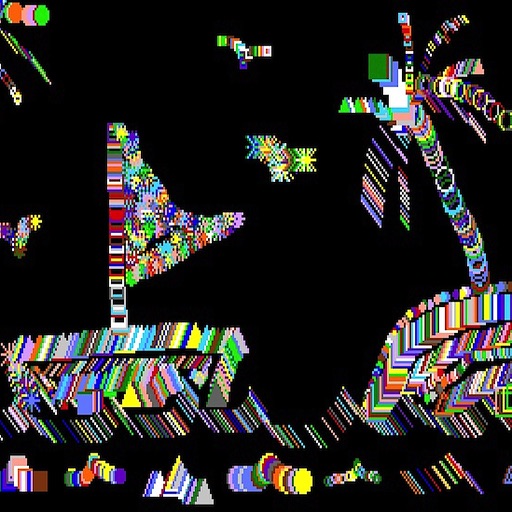
The app draws random shapes in random colors and sizes. Users can clear the screen with a two-finger tap or shake the device to access a menu for background options.
Use AR to objects in real-time and create sketches. over traced images with customizable brushes. Save and share artwork. Adjust colors and line thickness. Export drawings in various formats.
Teach children to draw and color step-by-step through guided coloring . Select from segmented images with pre-chosen color palettes. Encourage creativity with interactive features and music support.
Generate AI art by inputting text descriptions and selecting art styles like oil or sketch. Create unique fantasy images in seconds. Access pre-designed templates for inspiration. Export and share generated artwork.
Create avatars and wallpapers by painting or doodling. Access built-in resources for inspiration and guidance. Choose customizable painting lines to express creativity. Save and share finished artwork.
Create and view drawings in real-time using AR technology. and on screen with customizable tools. Export artwork in various formats and share directly. Adjust colors, brush sizes, and layers for detailed editing.
Create and customize 3D using pose libraries. Apply shading presets like toon shader. Adjust shapes, animations, expressions, camera, and lighting controls. Edit and refine 3D models for various creative projects.
Learn to draw with step-by-step tutorials covering animals, cartoons, and flowers. Practice by tracing images or sketching freely. Save and share completed artwork.