Create outdoor spaces with AI-generated layout ideas for patios, lawns, and driveways. Drag and drop elements like trees, walkways, and fences to custom layouts. Adjust elements and view 3D renderings to plan your effectively.
Create and view 3D models of products using AR. Place virtual objects in real-world environments to see them in actual size and perspective. Edit models directly on iPad Pro or iPhone Pro. Share 3D models with others for feedback or presentations.
Create and share 3D holographic tours by capturing and editing spatial . Add interactive elements like videos, images, and 3D models. Publish immersive AR experiences directly from the device for immediate viewing.
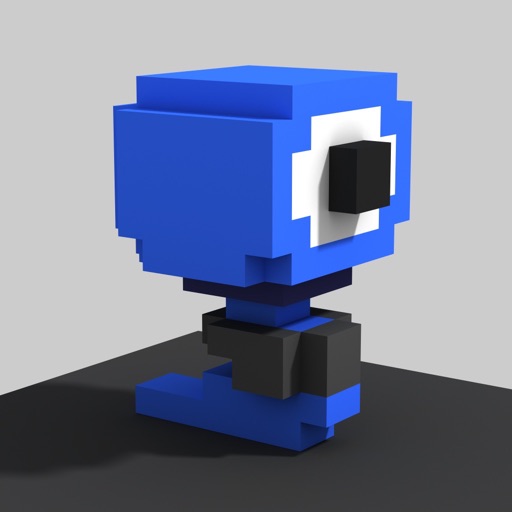
Create and edit art with intuitive controls. Use advanced tools for detailed modeling. Import and export models in formats like VOX, OBJ, and JPEG. Move, rotate, and duplicate voxels. Cut, copy, and paste parts of models.
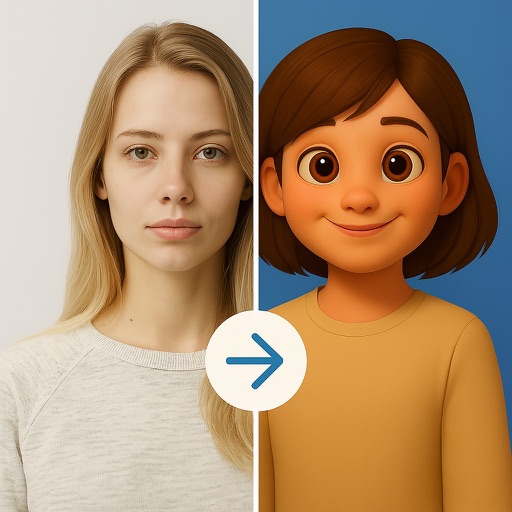
Create animated videos from photos using AI face and lip- technology. Record audio and let the generate synchronized animations. Edit and export final videos for sharing.
Screenshots using AI to detect edges, frames, and text lines. Add uniform padding and rounded corners. Zoom for detailed editing. Choose from multiple aspect ratios. Batch images with identical resolution.