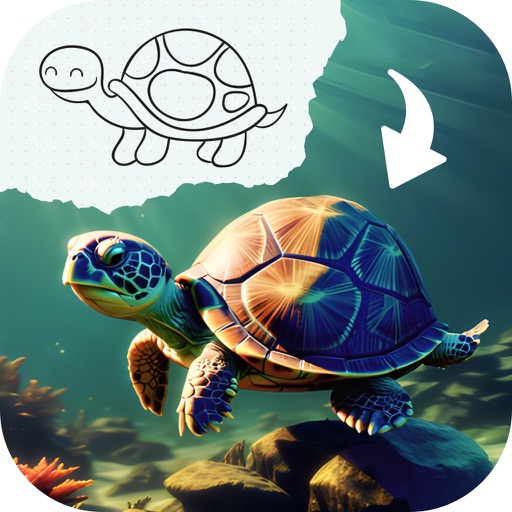
Create drawings on a blank canvas and refine them with AI to generate detailed, stylized images. Share finished artwork directly from the . Add text and stickers to drawings. Export in various formats and share via social media or email.
by Brendan Teo★ 5.06 ratingsEntertainmentFreeData updated 2026-09-06
Educational allows children to color animated stories step by step. Includes painting tools and interactive elements to bring stories to life. Features updated books on various topics.
Create and color doodles with glow and neon themes. Choose from various coloring pages featuring princesses and accessories. Save and share completed artwork. Relax while engaging in creative and calming activities.
Use augmented reality to and images from photos or the camera. Draw on paper with a pencil using phone support. Convert photos into drawings. Save and share artwork.
Edit photos with auto enhancement, artistic sketches, beautiful paintings, and funny cartoons. Apply 700+ filters and . Add frames and stickers. Share edited photos directly.
The app allows users to draw and sketch ideas with an easy-to-use interface. It offers various tools like pencil, line, oval, and rectangle, along with an eraser and undo/redo functionality.
Edit images by on photos and adding text. Choose from 45 colors and five pen thicknesses. Use zoom editing and undo functionality. Share edited images via email, Twitter, and Facebook.
-by- pages based on verses. Select colors and apply them to illustrations. Include prayer prompts with each scene. Save and share completed artwork. Access scripture references and view detailed artwork credits.
The app allows users to create spiral drawings with colorful gears and rings. Users can import photos, use multiple drawing modes, and save or share their creations.
Create custom avatars and choose from multiple game modes including drawing, guessing, and playing with friends. Participate in daily challenges to compete globally and earn coins by guessing others' drawings.
Draw sketches using brushes and tools with support for Apple Pencil. Create layered artwork and zoom for detailed painting. Import and export vector images in PDF, PNG, and JPEG formats. Use color or photo backgrounds. Save artwork for later.
Create colorful drawings by following lines and customizing colors. Replay sessions and repeat actions. Generate unique images each time by redrawing. Add sounds and movements with interactive buttons.