Create drawings on a blank canvas and refine them with AI to generate detailed, stylized images. Share finished artwork directly from the . Add text and stickers to drawings. Export in various formats and share via social media or email.
by Brendan Teo★ 5.06 ratingsEntertainmentFreeData updated 2026-09-06
Draw figures with a single continuous without retracing any line. Navigate through levels with challenges like directional lines, warp points, and triggers to complete each puzzle. Track progress and solve increasingly complex paths.
Create art by writing your and applying a focus filter. Add text and artistic elements to design a painting. Save or share the artwork as a profile picture, banner, or social media message. Customize the canvas with various styles and colors.
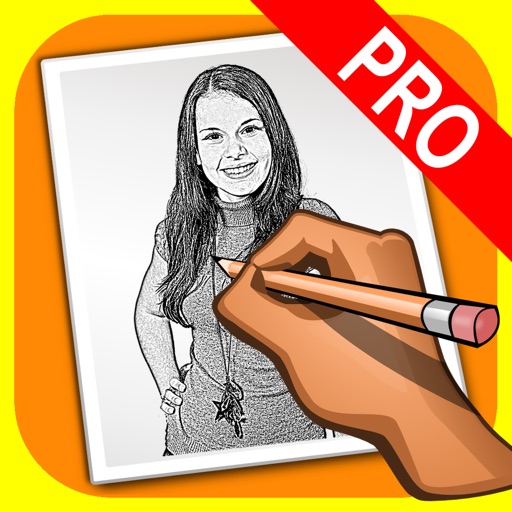
The app transforms user photos into pencil drawings with a sketch shine effect. Users can capture images, apply filters, and share their creations on social media or save them.
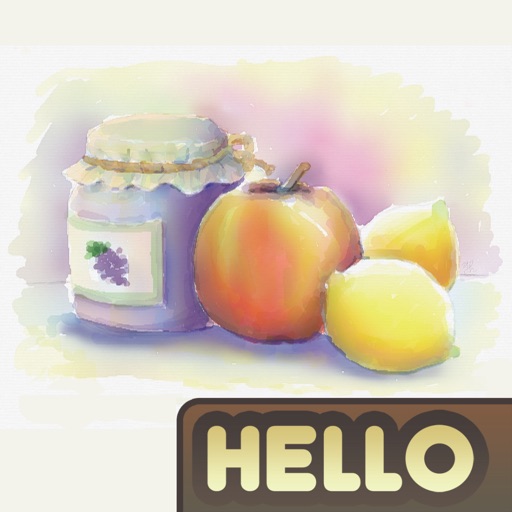
The app simulates watercolor blending and spreading behaviors using fluid simulation technology. It supports techniques like wet-in-wet, wet-in-dry, dry brush, and dry on wet, along with pencil sketching.
And paint with a variety of tools including pens, lines, arrows, rectangles, ellipses, and text. Apply effects, adjust colors, and use filters. Crop, enhance, and add stickers to artwork.
Create frame-by-frame animations using drawing tools. Share animations with a community. Participate in themed contests. Export animations in multiple formats. Sync with flipbook style playback. Collaborate with other creators.
Create and customize characters with drawing guides and pages. Watch designs animate with vibrant effects. Explore a variety of characters, pets, and accessories to personalize creations.
Color images for relaxation and creativity. Draw on blank pages with realistic painting tools. Zoom in easily for detailed work. Watch video replays of drawings. Access a variety of themed pictures for .
Create images, drawings, and paintings with customizable brush settings including thickness, color, transparency, and dynamic intensity. Sketch and modify simple graphics for logos, clothing, hairstyles, and more.
Sketch and draw using the ® with step-by-step guidance. Learn to write with interactive lessons for all skill levels. Export drawings and access tutorial videos for practice.
The app provides users with 48 pencils and 41 papers for creating sketches. It includes features such as layers, zoom functionality, an eyedropper tool, and undo/redo options.