A calculator with support for imaginary unit i, summation, and product symbols. Perform complex mathematical operations. Users can suggest additional features for future updates.
by 世昌 肖★ 0.00 ratingsUtilities$1.99Data updated 2026-09-06
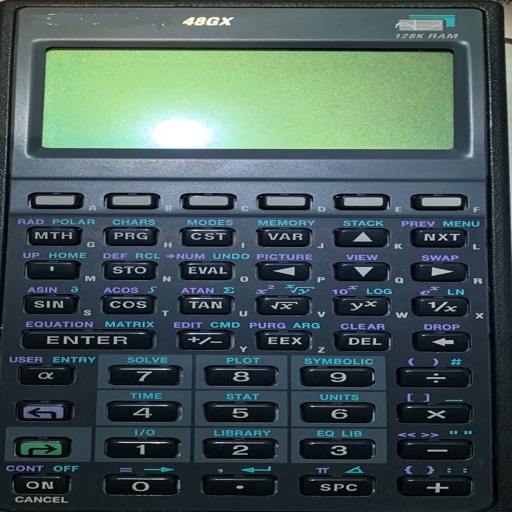
Is a programmable scientific calculator with a dynamic stack display. Users can input numbers and operations using reverse-polish notation. The display expands automatically as more values are added, and users can swipe to view additional lines.
Calculate requirements for granular and liquid types using various unit measurements. Input soil test results and desired nutrient levels. pplication rates for lawns, gardens, and crops. Export results for record-keeping.
Perform complex calculations with arbitrary precision. Input equations using a visual interface. Solve large problems without external tools. Display results clearly on small screens. Save and review calculation history.
Calculate the time needed to achieve financial freedom by inputting income, expenses, and savings. View charts and tables showing annual savings progress. Set or financial goal timelines based on provided data.
Convert units across multiple categories including length, weight, temperature, and more. Input values and select units for instant conversion. View all results on one screen. Calculate complex formulas with built-in functions.
Access electrical wiring diagrams for switches, fans, and outlets. Calculate grounding conductor sizes. View diagrams for 3-way switches, 4-way switching, GFCI, and more. Includes NEC 2014 to NEC 2023 standards.
Allows users to graph mathematical equations in 2D, 3D, and 4D with animations. It supports vectors, matrices, trigonometric functions, and complex numbers. Users can plot cartesian, polar, and parametric equations.
Displays calculations in a scrollable format for easy review. Users can track calculation history, perform basic arithmetic, and use a scientific mode for advanced functions. Input and results are visible simultaneously for accuracy.
Perform calculations with a simple or interface. Solve equations step by step and view detailed explanations. Access calculation history for review or sharing. Generate graphs for visual representation of equations.
Calculator helps users compute offsets and rolling offsets for precise layout planning. Input measurements to calculate basic or advanced rolling angles. Generate detailed reports and save calculations for future reference.
Perform calculations using a character-based interface. Input numbers and operators to solve math problems. Receive visual and audio feedback during computations. Interact with a stylized character to enhance the calculation experience.
Convert numbers between , octal, decimal, and hexadecimal systems. Perform step-by-step conversions. Adjust application theme, set maximum digits in fractional results, choose negative number representation, and limit bits in negative outputs.
Calculate needed for flower beds, shrubbery, or other landscaped areas. Input dimensions in inches, feet, yards, centimeters, or meters. Output includes cubic yards, cubic feet, cubic meters, liters, and bag counts.
Enter equations with large numbers to round them to the nearest whole number. Calculate decimal values and display results instantly. Adjust settings for precision. Share results directly.
The app performs mathematical, engineering, scientific, and technical calculations. It handles fractions, mixed numbers, decimals, and integers with various functions including trigonometric operations and constants.
The app offers unit and currency conversions with real-time updates on a single screen. It provides a straightforward user experience with a smart calculator and great readability, functioning without an internet connection.