PDF files to JPG, PNG, or GIF formats. Select documents to and export as images. No file limits or conversion delays. Supports all PDF pages and maintains image quality. Share converted files directly.
Convert photos and images into PDFs with one-tap processing, automatically adjusting page orientation and image quality. Merge multiple images into a single PDF and customize layout.
PDF files to JPG images with single or multiple page support. Save converted files, download without limits, and remove ads through a premium subscription.
Convert images between popular formats by selecting a file from the gallery, iCloud, or capturing a new photo. Choose an output format and convert in seconds. Share or save the converted file. View conversion history.
Scan documents using your phone's camera to capture and intelligently scan photos or documents. Automatically detect and adjust text areas for accurate scanning. Organize scanned items into folders or albums for easy access and management.
The app provides scanning, editing, converting, signing, and compressing PDF files. It allows users to extract text from images, merge or split documents, and export WhatsApp chats into PDF format.
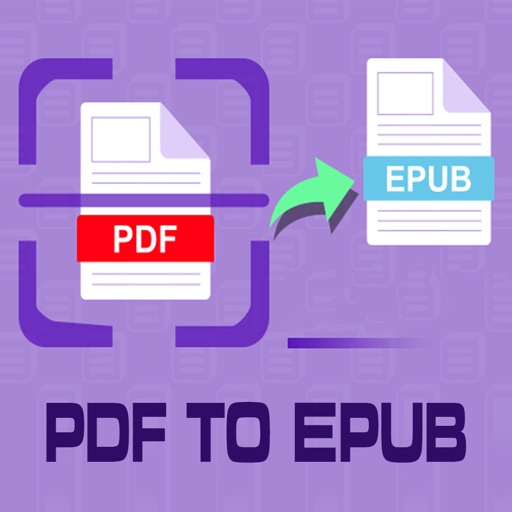
Convert PDF files to format for mobile reading. Edit text, adjust fonts, and customize margins. Export as and share or save to device. Supports iPad, iPhone, and ebook readers.
Convert images to PDF by importing files or scanning with the camera. Support multiple formats like JPG, JPEG, PNG. Use pre-designed templates for cover and inner pages. Save and share converted PDFs directly.
Documents into clear PDF or JPEG files. Crop and enhance scanned images automatically. Email, print, or save files to cloud storage. Share scanned documents directly from the .