Adjust audio settings and customize earphone controls
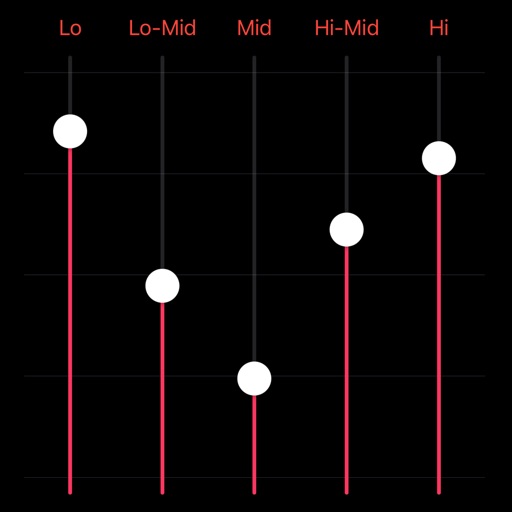
Adjust audio settings with noise control and equalizer. Choose codecs and set maximum volume. Customize touch sensor functions and select operation modes. Access the user manual for setup instructions. Ensure proper pairing before use.
Adjust audio settings with precision crossover controls for custom frequency adjustments. Manage connections for seamless device pairing. Monitor and optimize sound quality in real time for enhanced listening experiences.
Configure APS devices by setting volume, sound options, and behavioral settings. Upload audio messages and update firmware. Adjust settings for iNavigator and iNavigator S accessible pedestrian stations.
Adjust audio frequencies with 600+ filter types including shelving, peaking, and adaptive filters. Apply dynamic equalization for precise sound shaping. Customize settings for different audio tasks and export adjusted audio files.