Tracks piano practice in real time using device microphone. Identifies and analyzes piano sounds. Allows custom TensorFlow Lite model integration. Monitors playtime and progress with simple interface.
by Coding Minds, Inc.★ 0.00 ratingsMusicFreeData updated 2026-09-06
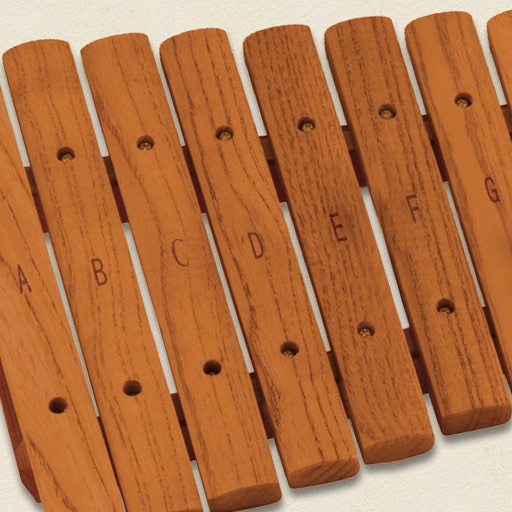
The app simulates a marimba, a percussion instrument with wooden keys arranged like a piano. It produces musical tones when struck with mallets, offering a chromatic layout for performers.
Separate vocals and instrumental tracks using AI-powered stem splitting. Remove vocals, drums, bass, piano, guitar, and synthesizer. Export individual tracks without quality loss. Edit and share extracted stems directly.
Practice identifying , , and intervals through interactive exercises. Train ear to recognize melodies and chord progressions. Play accompaniment on guitar or piano. Track progress with built-in exercises and scales.
The app allows users to recognize pitches by sight or sound and notate or play them on the piano. It includes a Grade Book for saving and printing results, with options for different clefs and an Ear Training mode.
Learn basic rhythms through 60 progressively challenging levels. Tap notes in time to match rhythms. Receive feedback on accuracy. Track progress across levels. Sync with classroom or lab activities.
The app offers a retro-style interface with digital signal processing for pitch detection. It supports the full 88-key piano range and allows adjustment of the reference pitch.
Tune electric, acoustic, , violin, cello, ukulele, and piano strings with a chromatic . Displays tuning fork tones. Provides string selection tips for beginners. Adjusts for distance up to 1.7 meters.
Match piano notes to trumpet pitches and vice versa. Display fingering diagrams for both instruments. Adjust transposition settings. Save and share custom tuning configurations.
Record and edit files using multitrack editing. Cut, trim, and split segments. Apply effects and use a professional equalizer. Mix tracks and export in various formats. Share edited files directly.
Play with and interact with books and gifts on a bookshelf. Eat to level up and play musical instruments like guitar, piano, and trumpet. Engage in popular mini games and unlock additional content in .
Access and search hymns by title, lyrics, tune, or metre. View hymns in sheet music or lyrical formats. Include rights for performance and sharing of public domain hymns. Export sheet music as PDF for printing or use on tablet for worship.
Play the koto with realistic string vibrations and touch-based controls. Access practice mode with guided exercises and feedback. Listen to koto songs with synchronized Japanese landscape visuals.