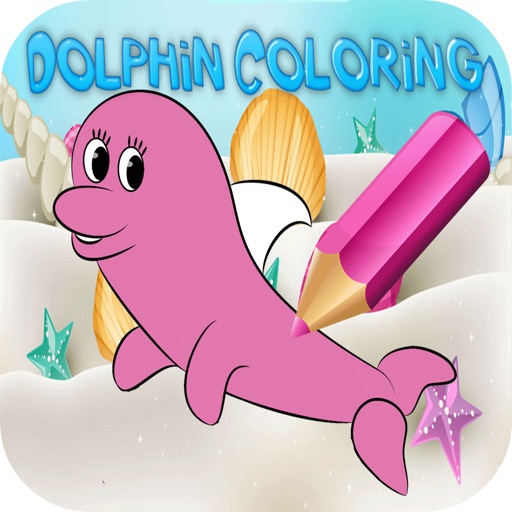
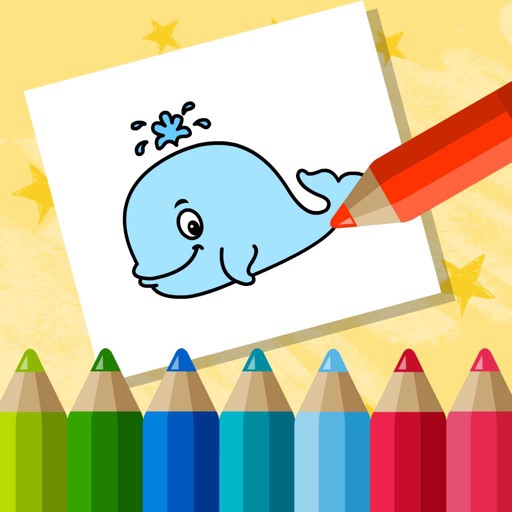
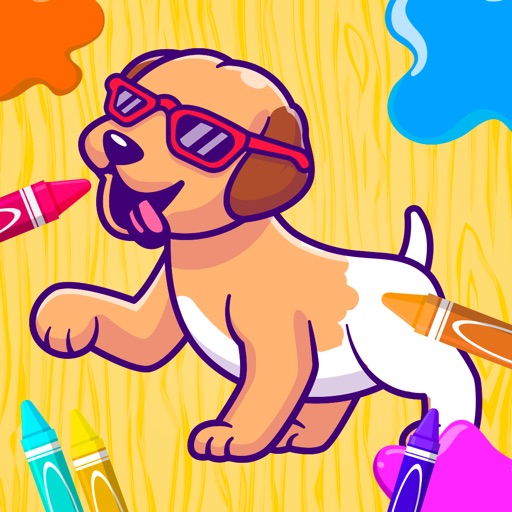
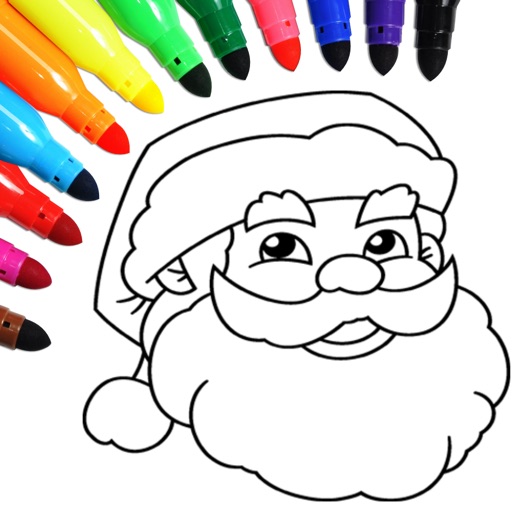
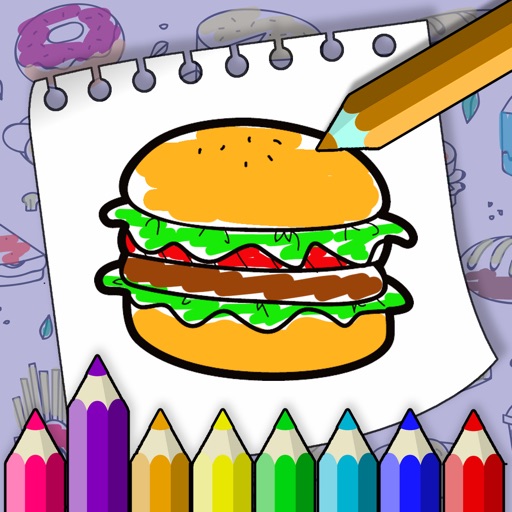
Allows users to select from various categories like animals, vehicles, and foods. Users can choose colors for their drawings and erase parts of the image. Images can be sorted by category for easy access.
Create art using augmented reality tools and follow step-by-step artist-led tutorials. Access daily for various mediums like acrylic, pencil, and watercolor.
Color pictures with a wide range of colors and tools. Draw on blank pages using realistic painting features. Access a variety of pre-designed images for . Zoom in and out easily. Watch video replays of drawing sessions.
The app converts photos into pencil sketches for coloring. Users can import pictures from photo albums, the camera, or Flickr, and color them using touch controls.
Draw and with customizable brushes and layers. Edit images with adjustment tools and filters. Import and export files in various formats. Use gesture controls for quick navigation and editing.
To with guided lessons that show real strokes from professional artists. Practice step-by-step techniques to build confidence and accuracy. Use Apple Pencil for precise input and track progress through interactive exercises.
Solve interactive puzzles with background objects. Listen to sounds of game characters. Color drawings of animals. Access 7 puzzles in free version. Full version includes 35 puzzles and allows painting all animals.
Educational for children aged 3 and up offers four : matching, puzzles, colors, and music. Includes high-resolution images, printable drawings, and immersive audio effects. Allows users to color in 24 engaging designs.
Teach children to draw with interactive coloring games. Choose from various colors and tools. Complete puzzles and unlock new characters. Track progress and receive feedback. Encourage creativity and fine motor skills.
Solve interactive puzzles with sound effects and animated backgrounds. Color drawings of animals. Explore interactive objects in the environment. Complete puzzles in the full version or try a selection in the free version.