Computer settings with on/off commands, reboot, and monitor management. Lock the PC, enable hibernation, and manage display settings. Supports only Windows operating systems.
by Andrey Kutuzov★ 0.00 ratingsUtilities$0.99Data updated 2026-09-06
Control devices via infrared signals and network commands. Send keystrokes to computers. Adjust volume and media playback. Manage smart home devices. Create custom layouts. Sync with Server for advanced setup.
Manage devices and home automation with commands. Play music, check weather, and -enabled devices. Set custom commands and access tips for optimal use.
Create and edit sketches with intuitive tools and customizable color palettes. Export sketches for use in other graphics software. Support multiple windows and dark mode for enhanced workflow.
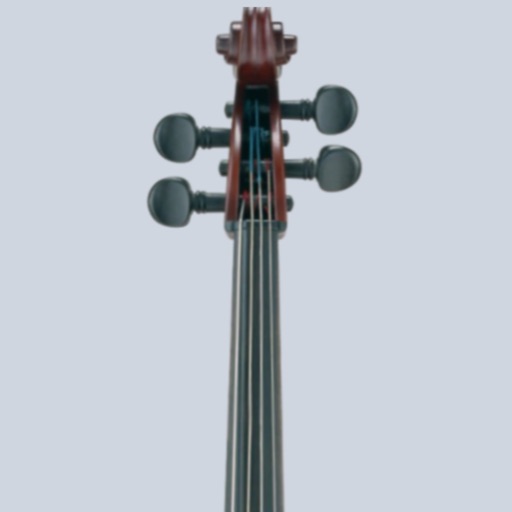
Tune cellos to standard pitch with a visual needle and audible notes. Switch between automatic note detection and chromatic modes. Adjust tuning settings for precise pitch accuracy.
Audio systems via iOS device with custom interfaces. Load panels from design software. Manage audio zones, adjust levels, and monitor system status remotely.
- allows users to run apps simultaneously. Users can the into windows for tasks like watching videos, chatting, or browsing. Favorites let users save preferred pages. Unlimited splits enable flexible multitasking.
Track tasks, habits, and routines with AI-powered suggestions. Monitor environments using computer vision. Receive actionable alerts based on customizable skills. Manage tasks and automate repetitive actions without manual tracking.
Display countdowns for important dates on Home Screen and Lock Screen. Customize layouts and backgrounds with personal photos or colors. Receive automatic updates with auto-repeat feature.
Turn your iPhone into a universal for multiple TV brands. Fire TV, Roku, Samsung, LG, and HDMI-CEC devices with tap, swipe, or voice commands. Pair using a 4-digit code without developer mode. No additional hardware required.
Configure internet settings, update the operating system, and reconfigure home network settings. Monitor device status, manage connected devices, and access advanced network controls from anywhere with an internet connection.
View and switch between multiple formats including Short Date, Long Date, Date, and Mars Sol Date. Display dates on lock and home screen widgets. Convert to Unix time and other supported date systems.
Track usage with timers and simulated lock screens. Block apps with smart scheduling. Set focus challenges and reaction training exercises. Adjust eye care settings for reduced strain during long sessions.
Manage Mikrotik routers remotely with real-time resource monitoring, including CPU, memory, and traffic data. Group and search routers by labels. View client counts and Ethernet status. Connect via API or API-SSL.
Manage and control Pi devices from an iPhone or iPad. Monitor system status, locate devices on the network, and perform actions without using SSH. Set up new devices, manage multiple systems, and access system logs and settings.
Devices across phone, tablet, and PC. View iPhone photos and videos on PC. Transfer files between devices. Reply to messages from PC. Launch apps via Tap to Launch on compatible PCs.
The app enables remote operation of Bosch security systems. Users can arm or disarm their systems, control specific zones, and manage outputs for functions like lighting.
Tracks changes in the background with minimal battery use. Notify users of relevant updates such as job postings or price drops. Display site statuses via home screen widgets and manually check sites directly from the widget.