Create and on a blank canvas or in real-world space using AR. Generate images with AI. Apply color and use simple tools to edit outlines. Sync drawings across devices. Export creations in various formats.
To cute art with step-by-step lessons. Choose from categories like smilies, food, fruits, and trees. View drawings in list or grid format. Follow detailed instructions to create each illustration. Save and share completed drawings.
Use camera to draw and paint in augmented reality. Access tracing templates for animals, cars, nature, food, anime, and more. Adjust brush size and color. Save and share artwork directly.
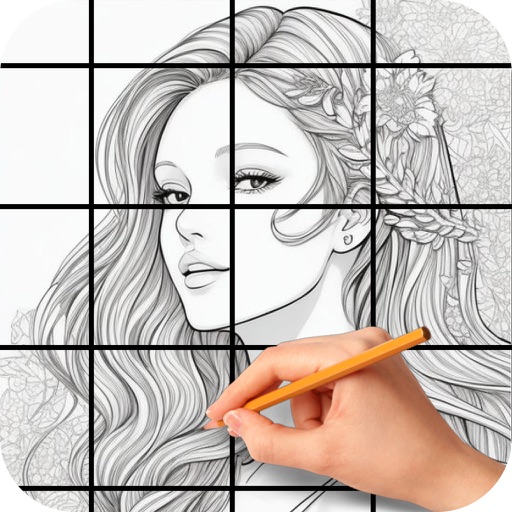
The app allows users to draw anything using a grid. Users can select any area of an image, choose different grid types, and adjust grid size, color, and thickness.
Create and edit and drawings for home screen and lock screen widgets. Draw with Apple Pencil or finger, type with keyboard. Customize backgrounds, colors, fonts, and zoom for details. Combine text and drawings in one note. Share as images or text.
Use phone camera to project images onto surfaces for tracing. Access templates for drawing and coloring. Color traced images to create artwork. Share finished drawings directly.
The app uses live-calculated brushes and strokes with HDR values for a unique art style. It offers gritty paper/canvas textures that interact with drawing tools for a satisfying look.
Annotate photos with text, drawings, and hand-drawn elements. Add watermarks and autographs. Create and share Photocards. Incorporate internet memes. Edit and enhance images for personal or professional use.
Map ideas, organize thoughts, collaborate remotely
Create and organize maps with drag-and-drop nodes and customizable branches. Add notes, links, and images to ideas. Share maps for real-time collaboration. Export in multiple formats and integrate with cloud storage.
Create art with 10 brushes. Adjust brush size and color randomly. Import photos to doodle on. Add drawings to family images for customization. Save and share completed artwork.