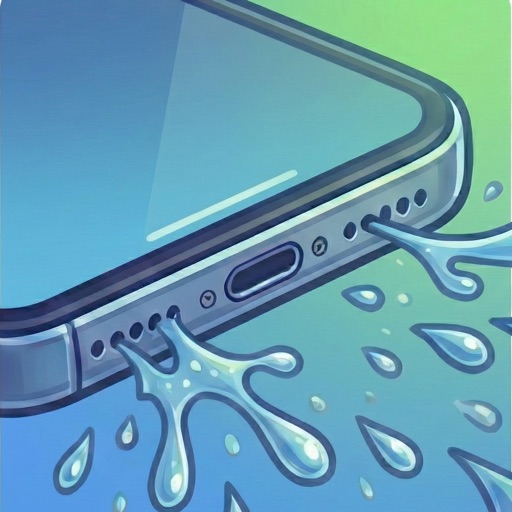
Clean speakers by generating ultra-low frequencies that vibrate and remove trapped , dust, or moisture. Tap to initiate a quick cleaning process. Restore sound clarity after liquid exposure.
Test and improve device sound quality with frequency analysis and equalizer settings. Clean speakers and remove trapped or dust. Adjust audio output for clearer sound and better microphone performance.
Measure levels in decibels using the device’s microphone. Display real-time audio frequency and dB readings. Apply filters for specific frequency and dB ranges. Share measurements via Messages, Email, WhatsApp, Notes, and other apps.
Use sound wave technology to remove and dust from speakers. Activate automatic or manual cleaning modes. Clear debris and restore audio clarity and volume.
Use the speaker removal feature to play specific sounds that help eliminate the speaker. Create custom tones with the frequency generator. Measure sound levels in decibels and detect dominant frequencies using the built-in meter.
Test phone speakers by generating precise tones from 20Hz to 20kHz. Adjust frequency levels to evaluate sound output, resonance, and clarity. Save and compare test results for speaker performance analysis.
Control cleaning with adjustable frequency settings and volume levels. Select specific speakers for targeted cleaning. Monitor progress and adjust settings for optimal results.
Test speaker audio output using frequency ranges to assess clarity and balance. Perform stereo checks to ensure equal left and right channel performance. Generate tones within 160–180 Hz to adjust and optimize sound quality.