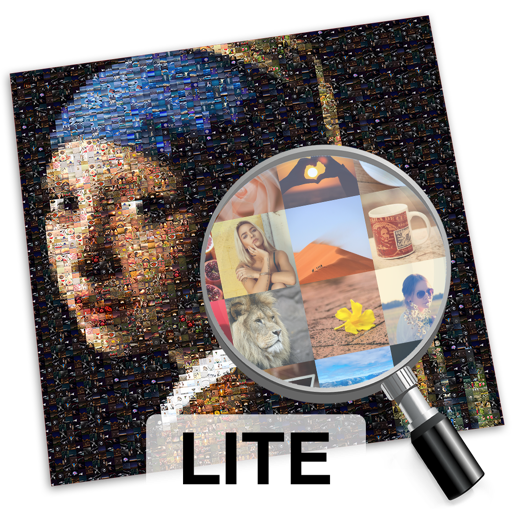
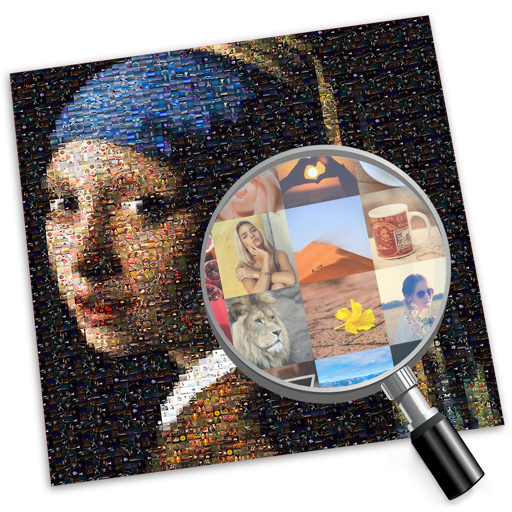
The app transforms photos into multicolor mosaics with intuitive dial-based controls. Users can save creations to their phone or share them via various social media platforms and email.
Edit photos with filters, beauty tools, and artistic effects. Adjust skin tone, eyes, and lighting. Add stickers, text, and frames. Export in multiple formats and share directly. Sync with mobile edition for consistent editing experience.
Create collages by selecting multiple photos and arranging them in various layouts. Apply mosaic effects to individual photos for artistic results. Edit images with basic tools and save or share the final output.
Edit photos with filters, cropping, and adjustment tools. Create collages, photo posters, and text art. Add stickers and text. Repair old photos. Make -in- effects and GIFs. Share edited content to TikTok, iMessage, and Instagram.
Edit videos and photos with mosaic and AI filters. Add scribble animations and customize aesthetics. Share content to TikTok, Snapchat, Instagram, and Facebook. Adjust filters and for creative storytelling.
Create posters, flyers, banners, and invitations using customizable templates. Edit images with tools for cropping, resizing, and adding text. Design logos, greeting cards, and business cards. Export and share finished designs directly.
Create a or pixelated image from a photo. Choose tile shape, count, and aspect ratio. Adjust color count using the limit slider. Save, share, or print the . View results in the tab.
The app allows users to create picture collages on their iPhone. Users can arrange pictures in various styles, add text, and customize individual picture placement within frames.
Create and edit videos with effects, pixelation, or blurring. Highlight specific segments or use a magnifying glass for close-ups. Annotate videos with boxes and share edited content directly.